
 Free
FreeExecutive Modern
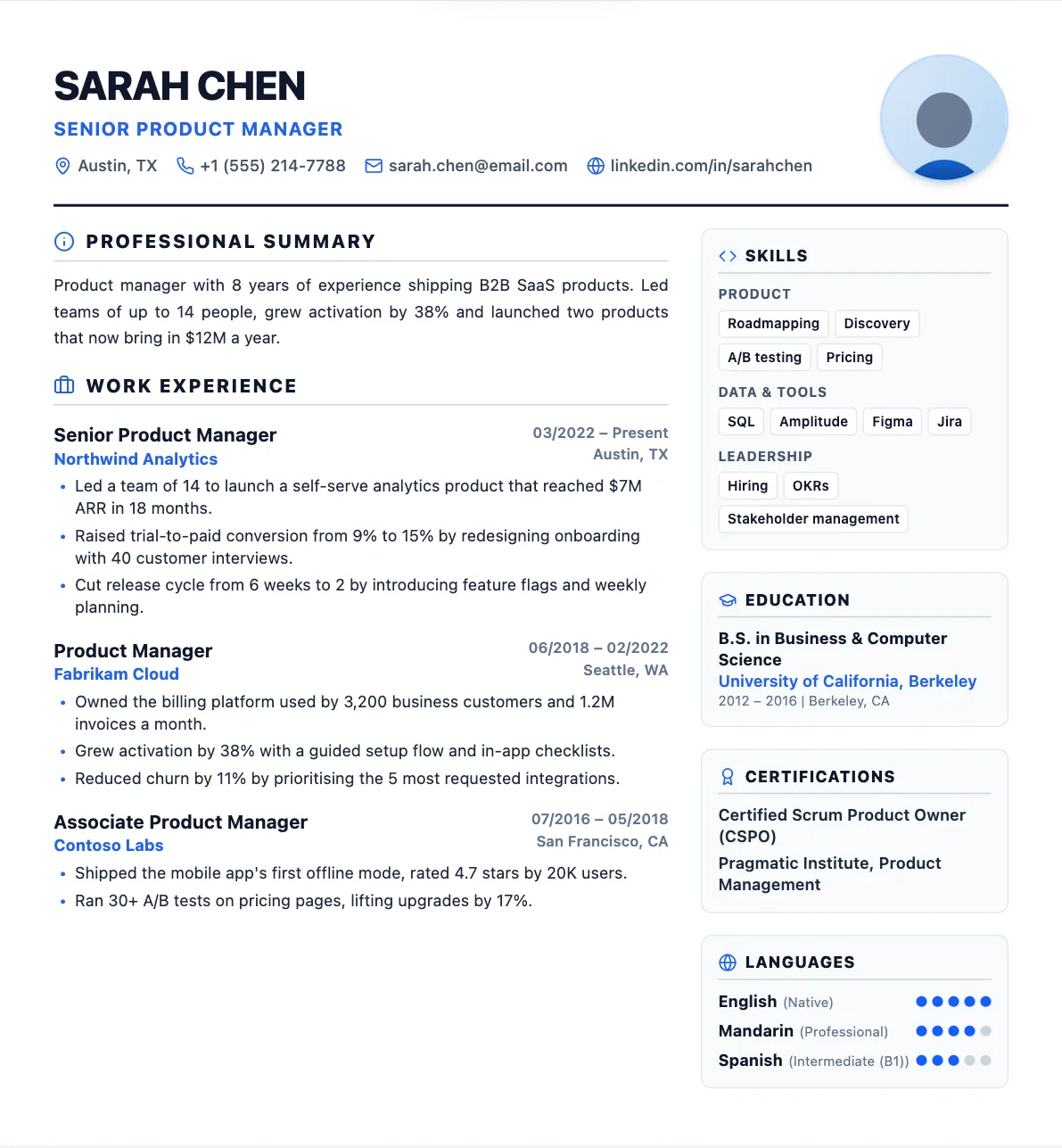
PopularTwo columns, with your skills in a sidebar on the right.
Best for: most professionals, especially with plenty of skills
Clean, carefully spaced layouts for every kind of job, from a one-column ATS classic to a bold two-tone design. Switch templates in one click and your content comes along.
Every preview below is a real resume made in CVHancer. Pick one, then adjust colors, fonts and spacing to make it yours.
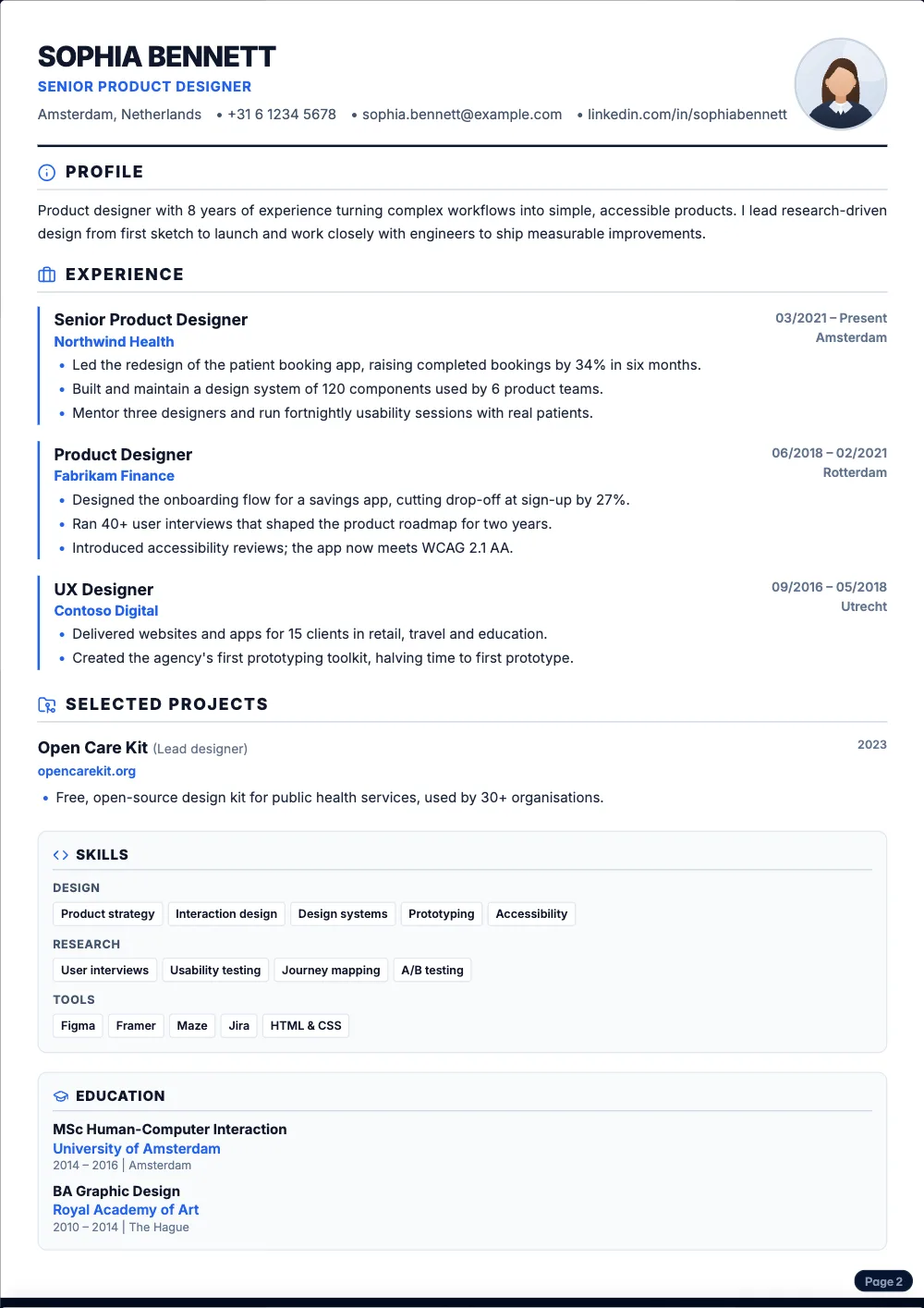
FreeTwo columns, with your skills in a sidebar on the right.
Best for: most professionals, especially with plenty of skills
 Free
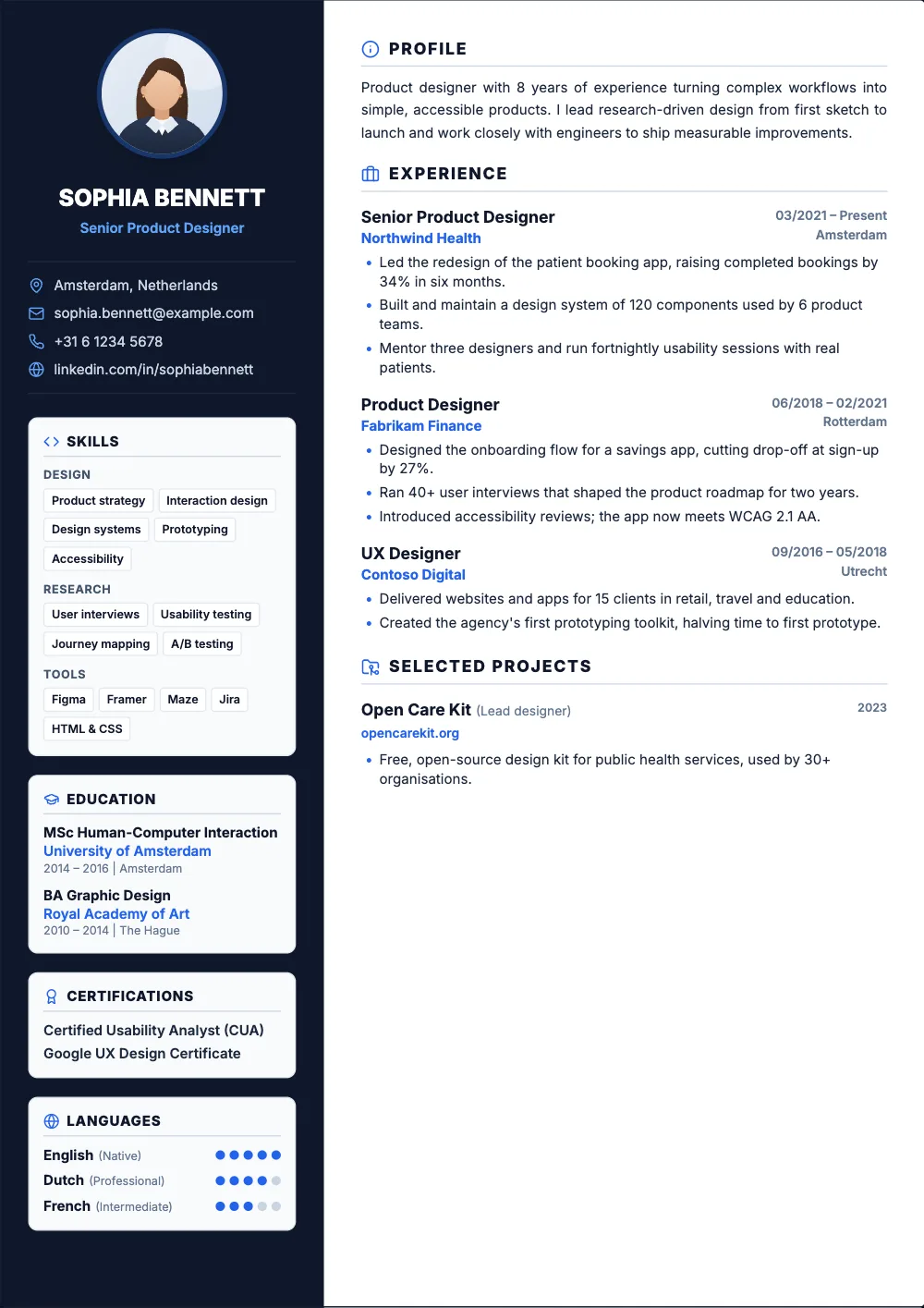
FreeOne clean column with a thin accent line down the side.
Best for: strict ATS portals, engineers and analysts
 Pro
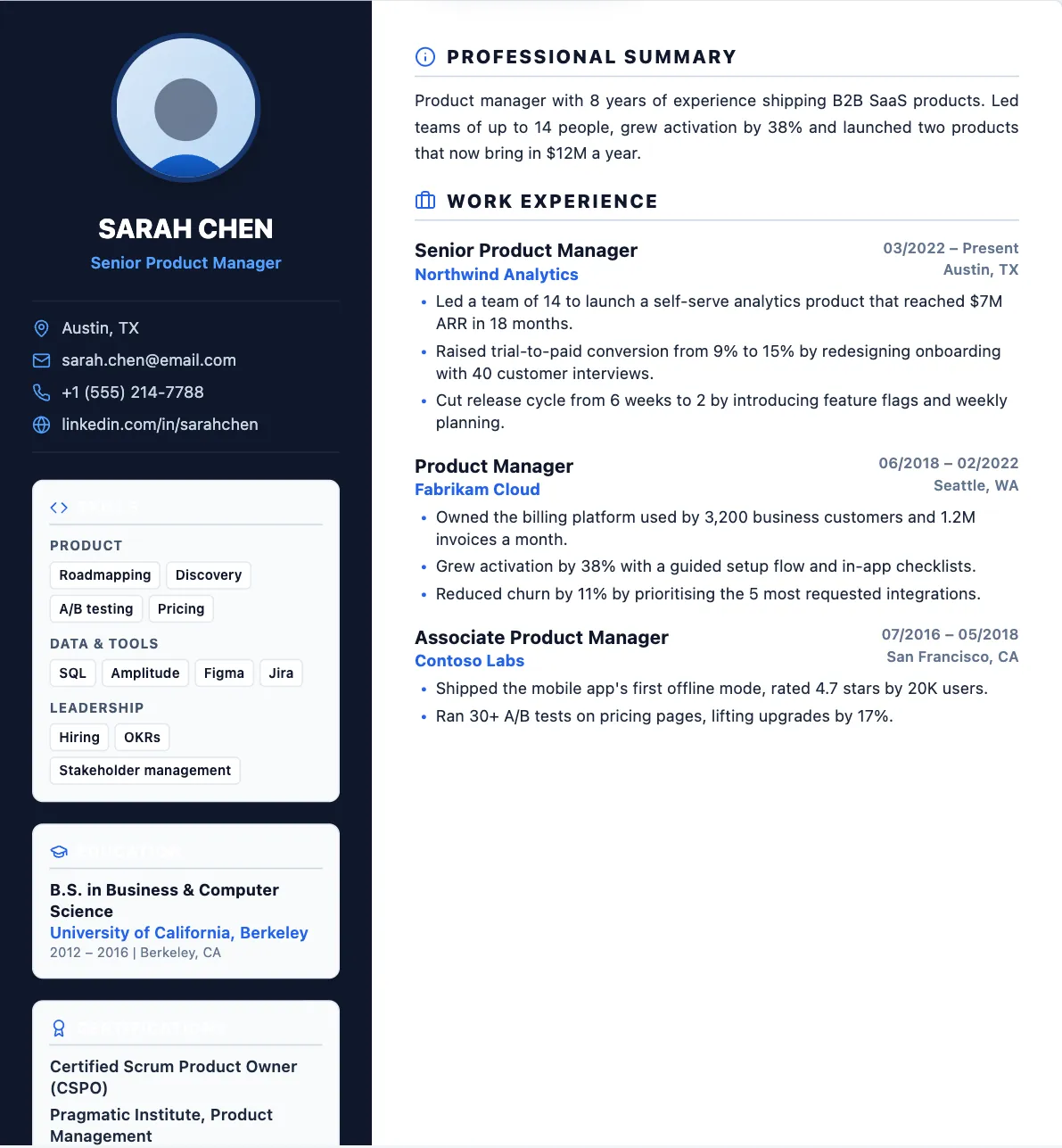
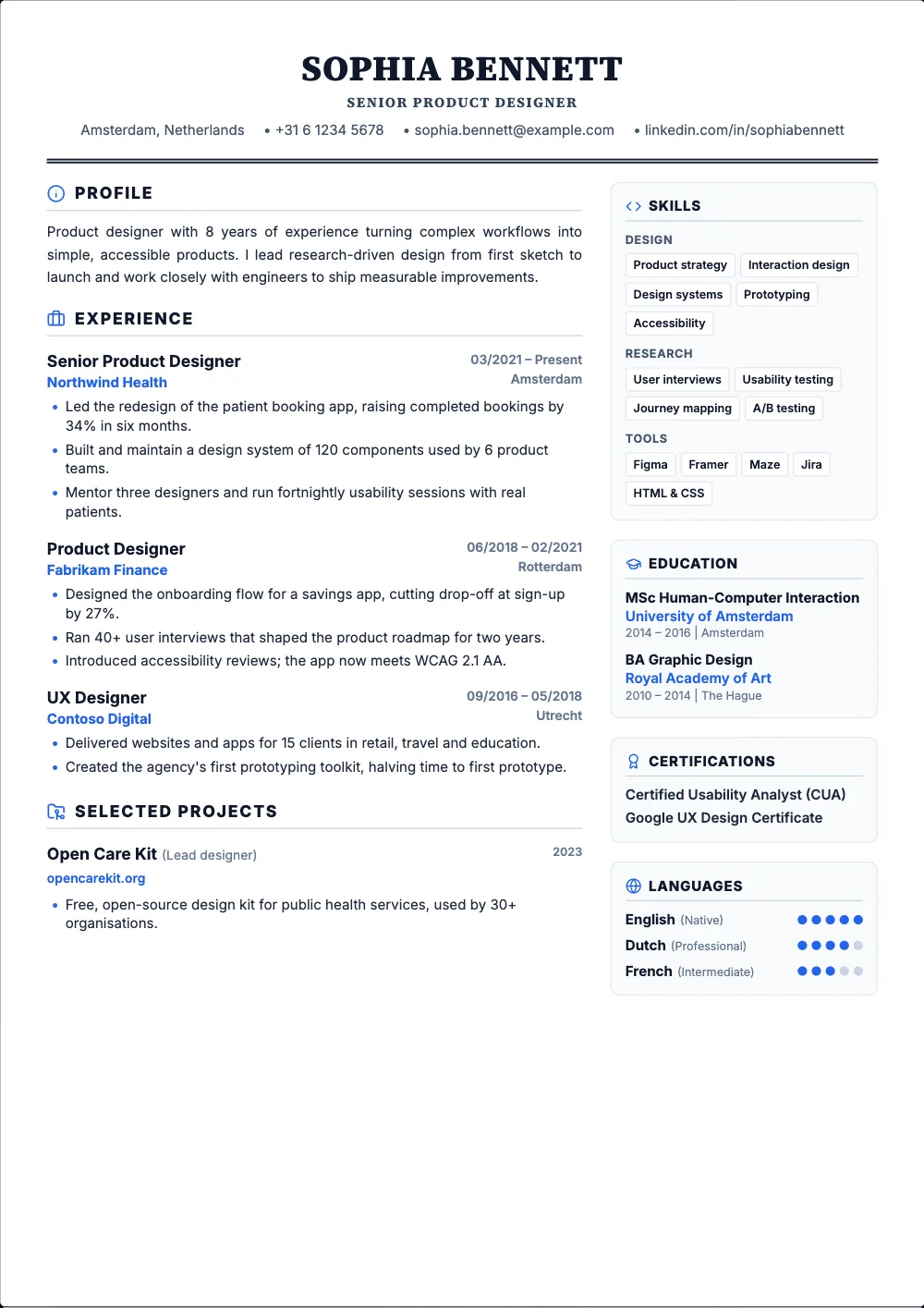
ProA dark sidebar on the left for your contact details and skills.
Best for: designers, marketers and anyone with a photo
 Free
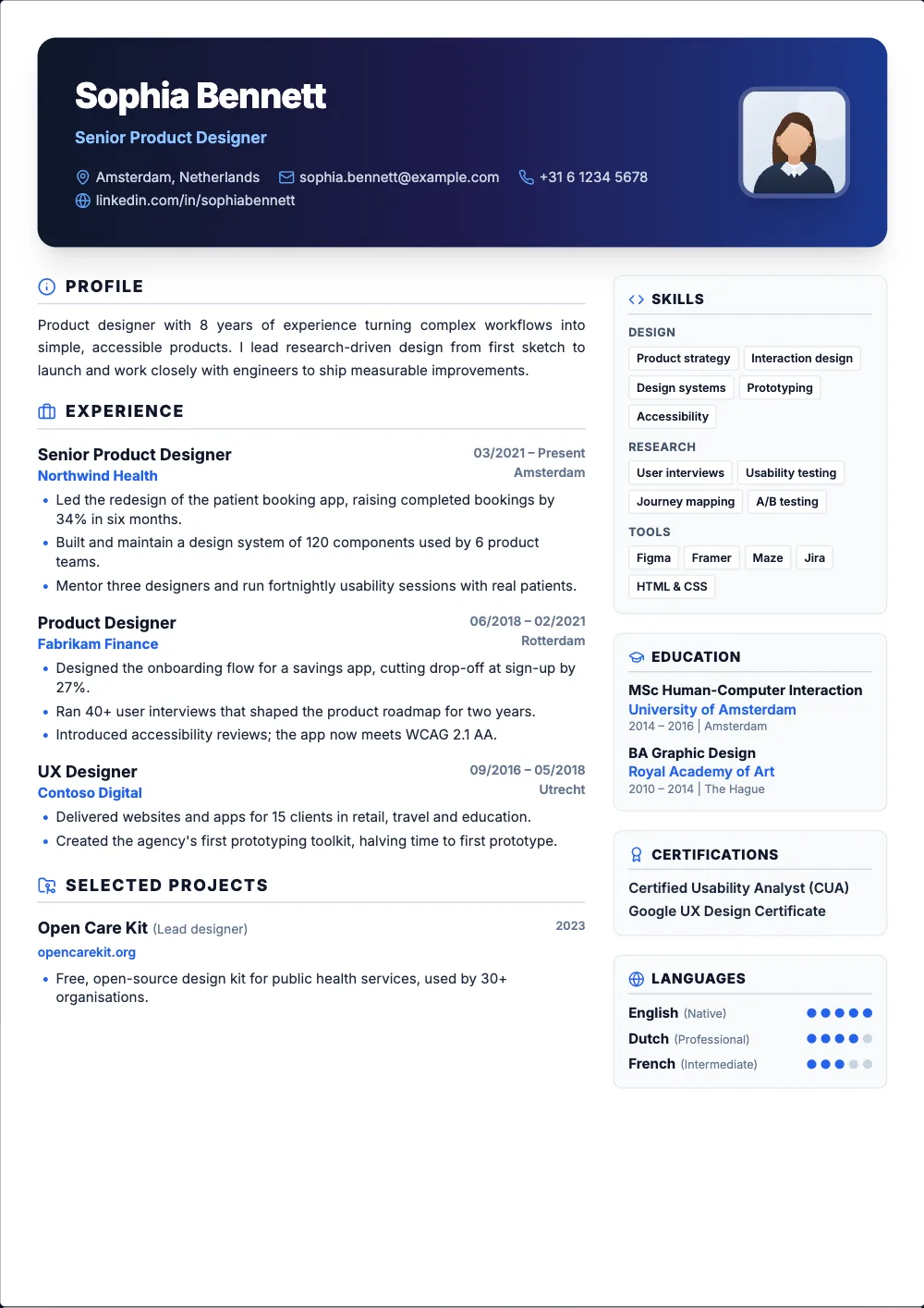
FreeA centered serif header with traditional double lines.
Best for: law, finance, consulting and the UK
 Pro
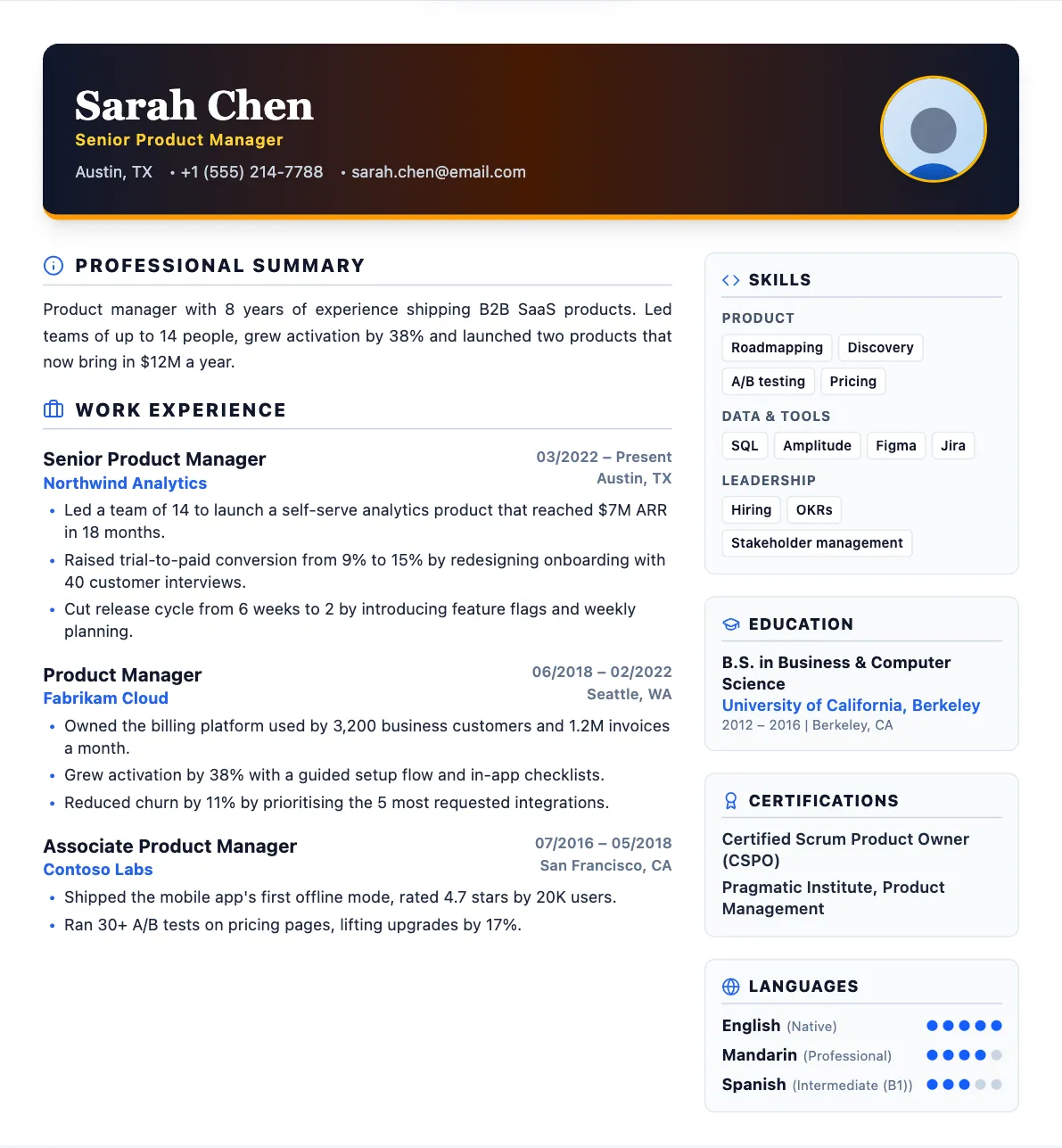
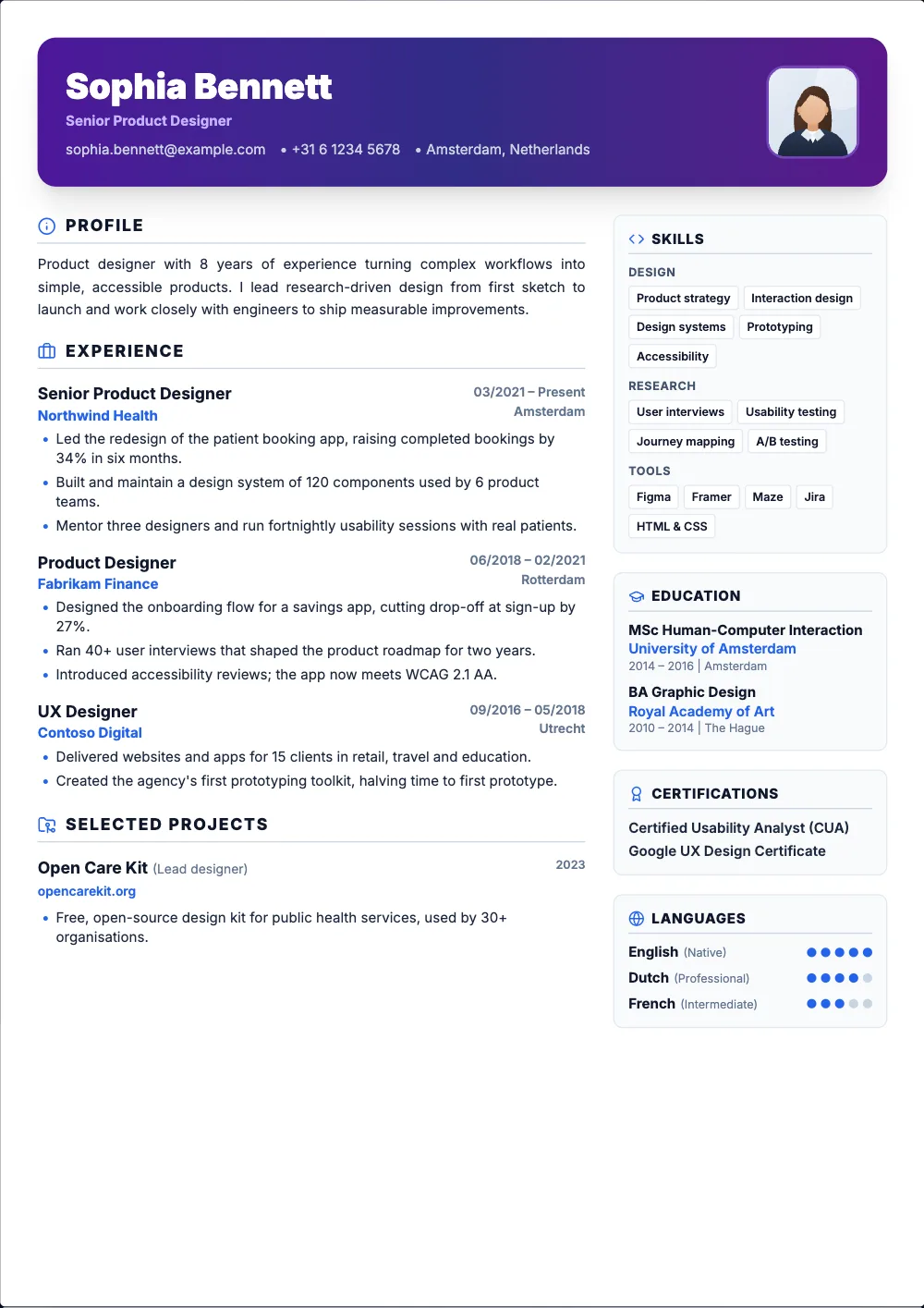
ProA gradient header with your photo and skill badges.
Best for: developers and creative roles
 Pro
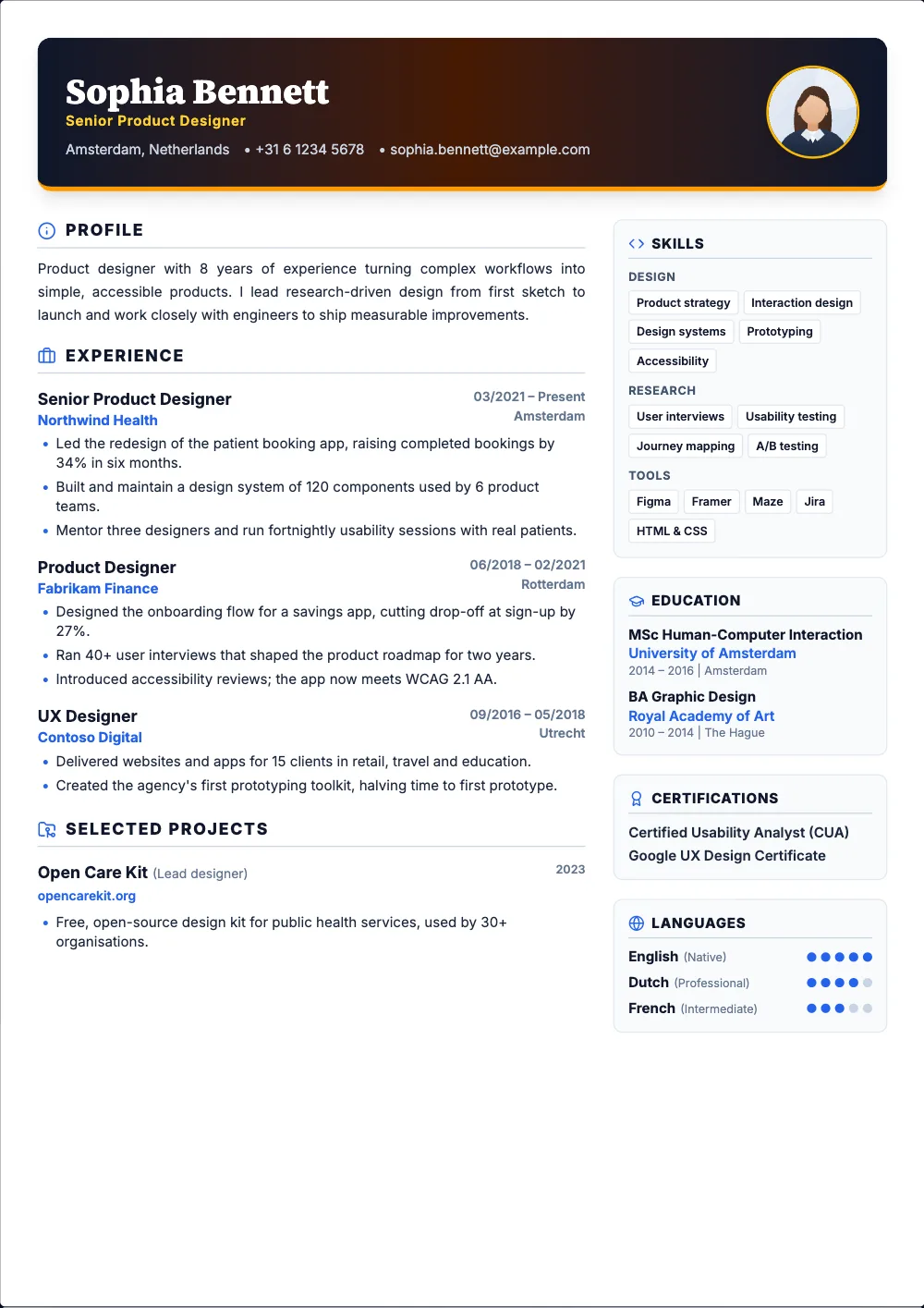
ProA dark header with gold accents and serif headings.
Best for: senior leaders and executives
 Pro
ProA bold header that puts your key numbers up top.
Best for: founders and people with standout numbers
 Pro
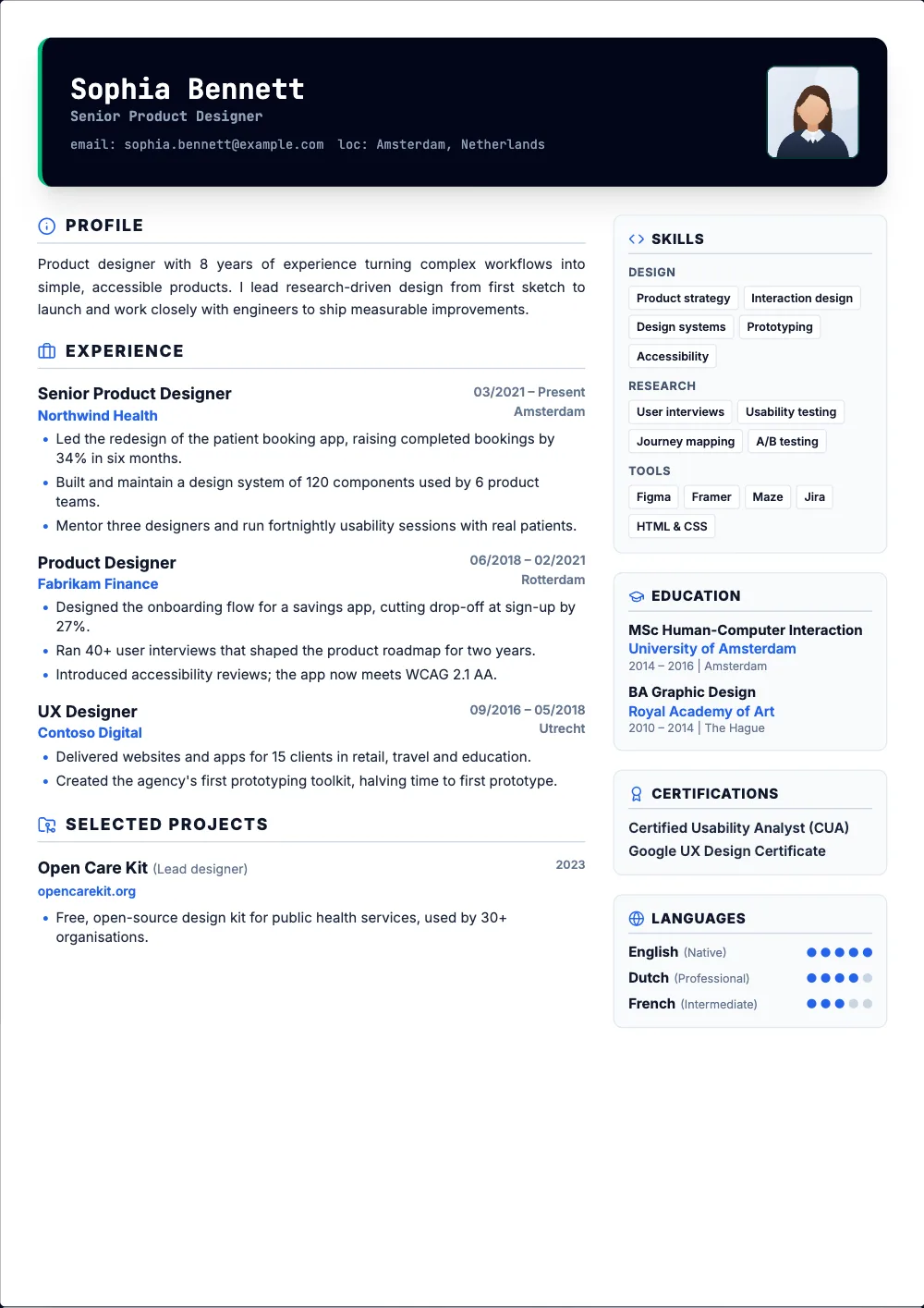
ProA dark, terminal-style header with code-style skill badges.
Best for: engineers, SRE and infrastructure roles
 Pro
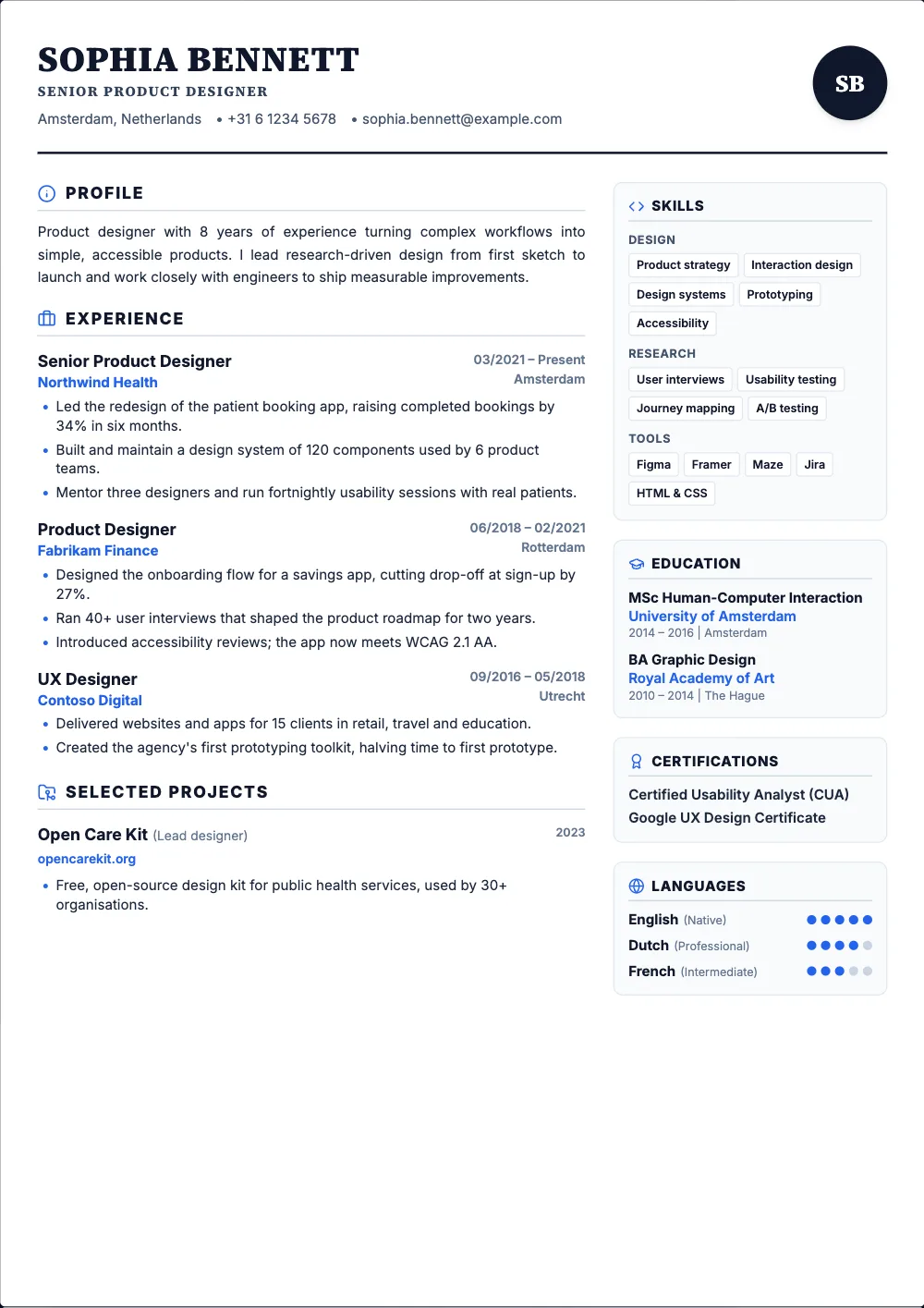
ProA large monogram of your initials and airy, magazine-style spacing.
Best for: writers, editors and communications roles
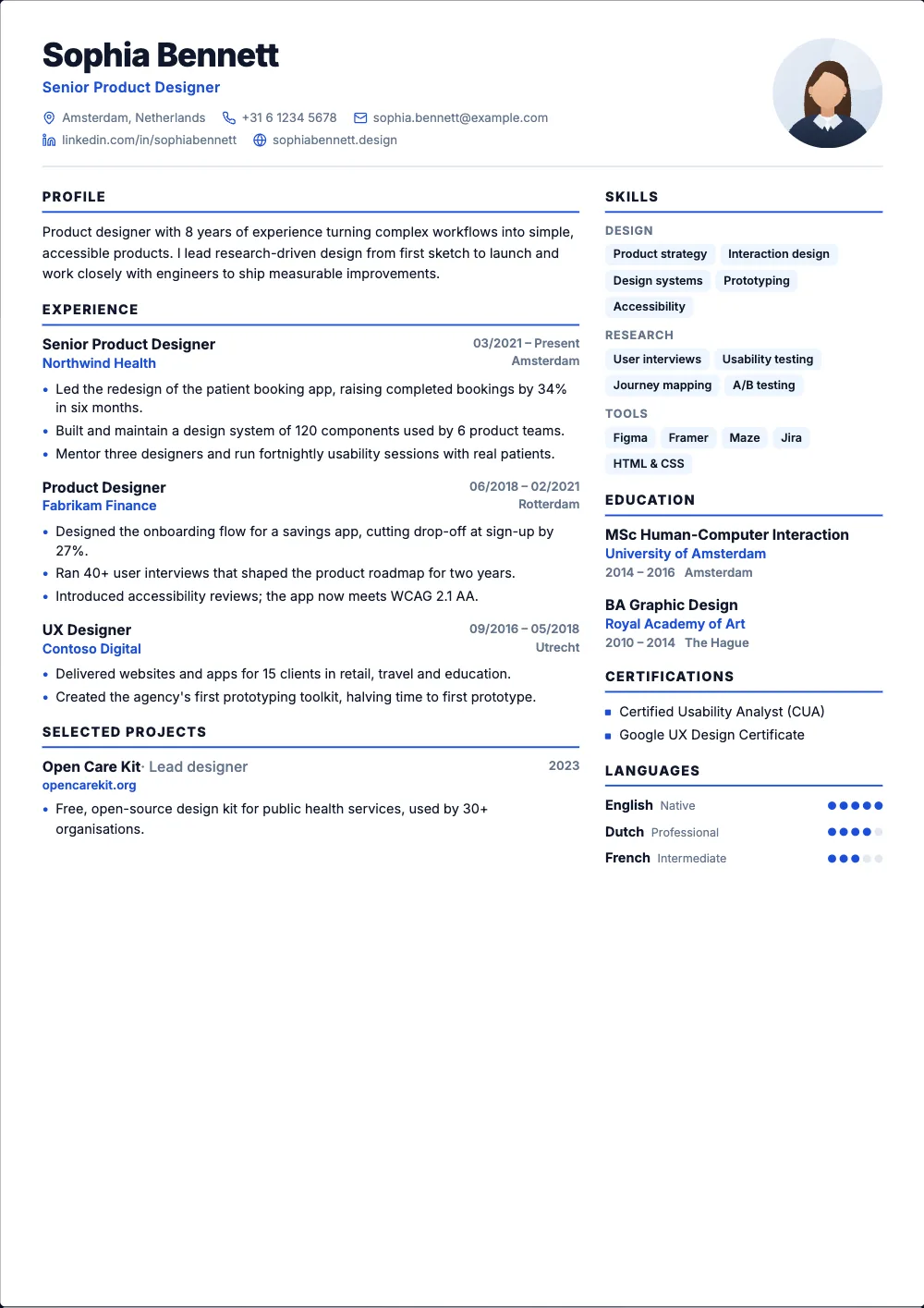 Free
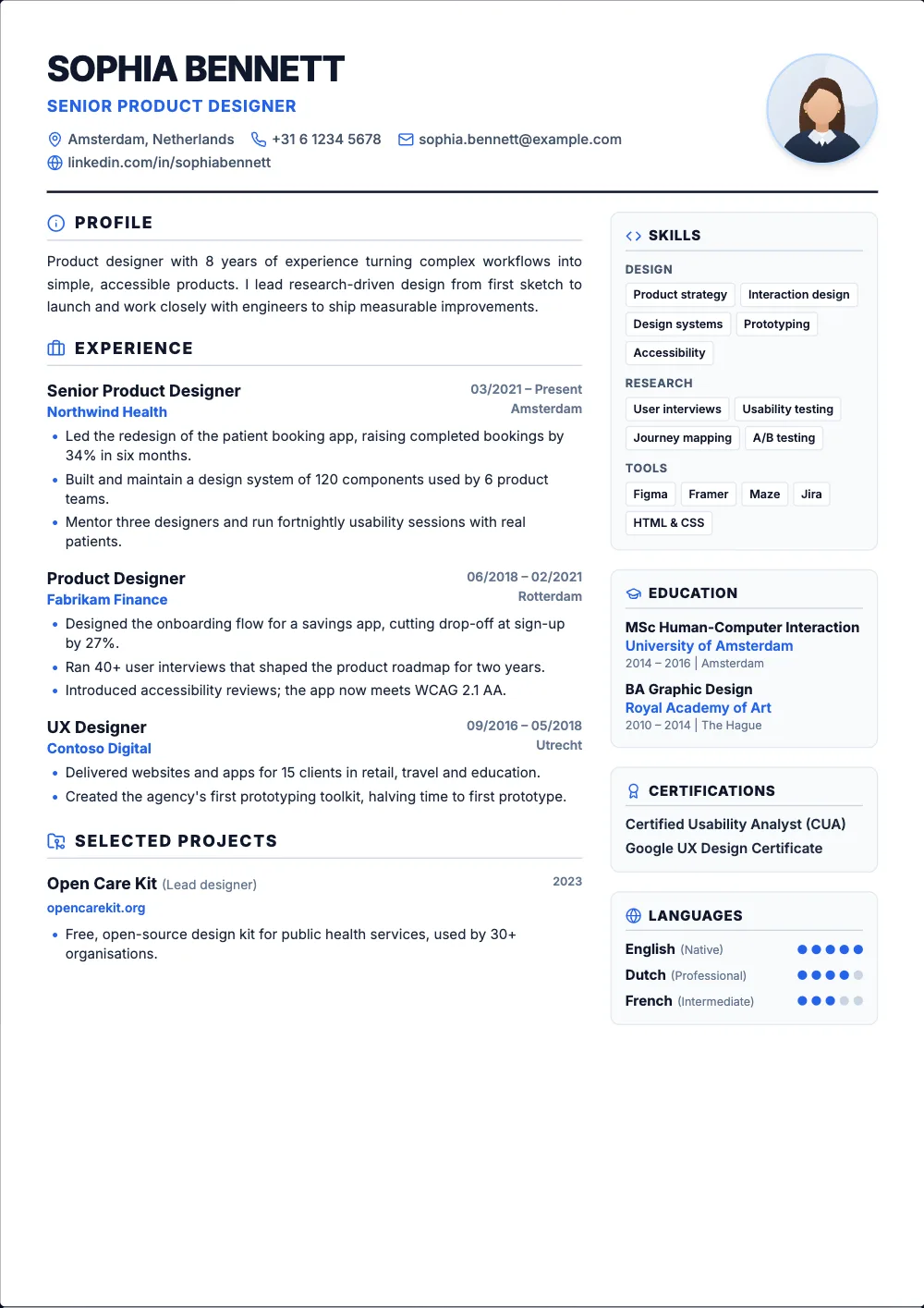
FreeA light two-column layout with your photo next to your name.
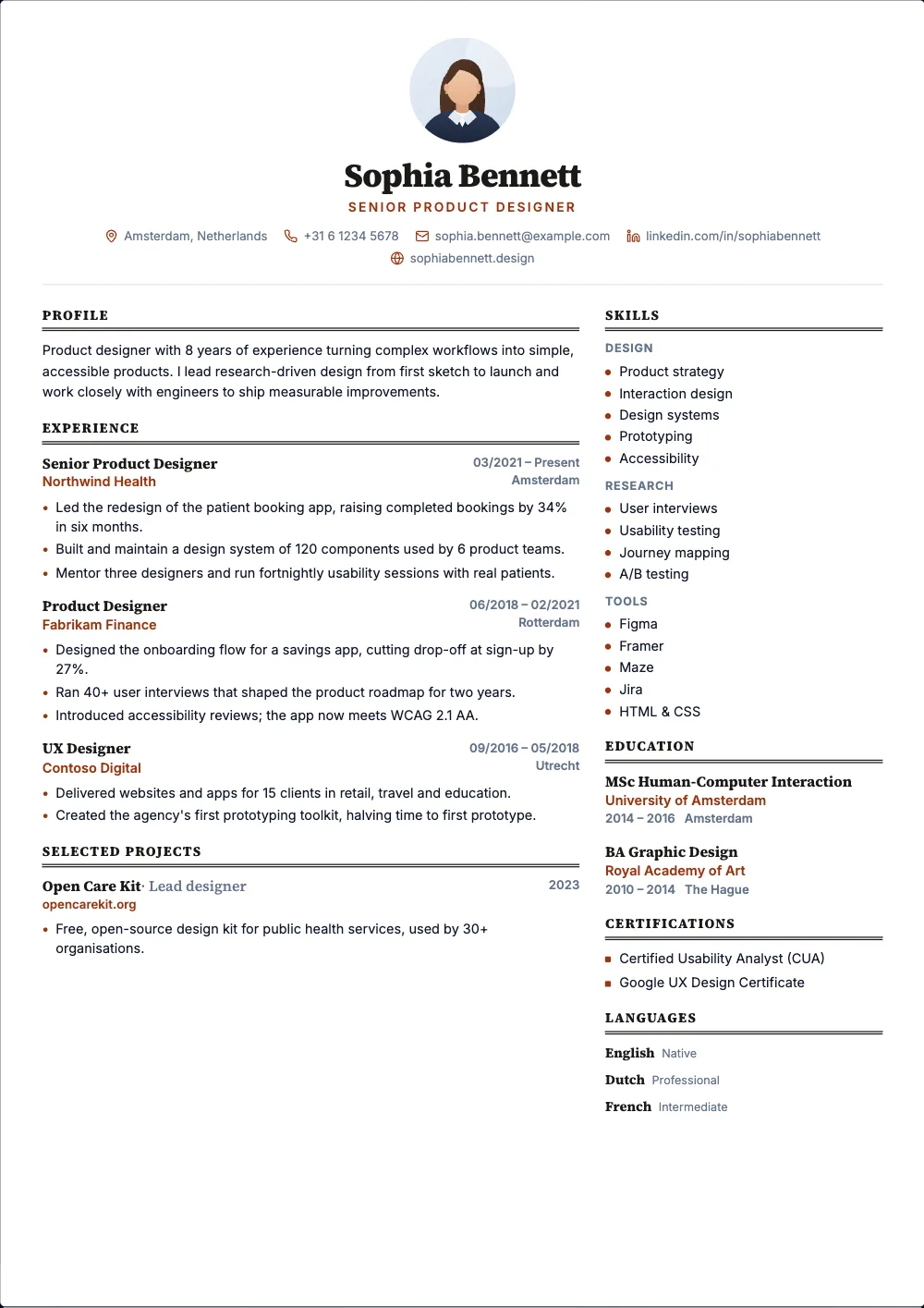 Pro
ProA centered header, serif headings and fine double rules.
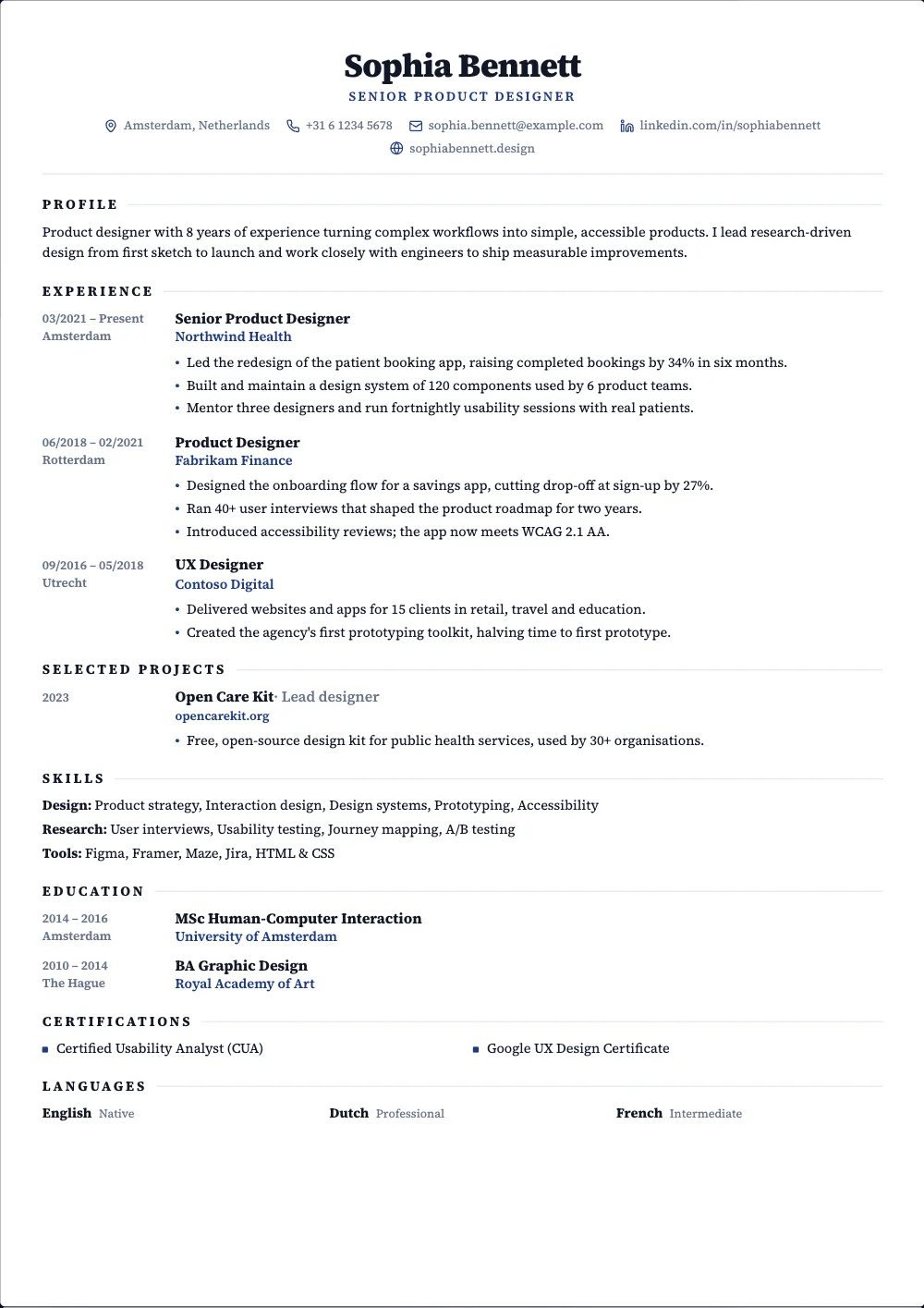 Pro
ProA centered serif layout with the dates in their own column.
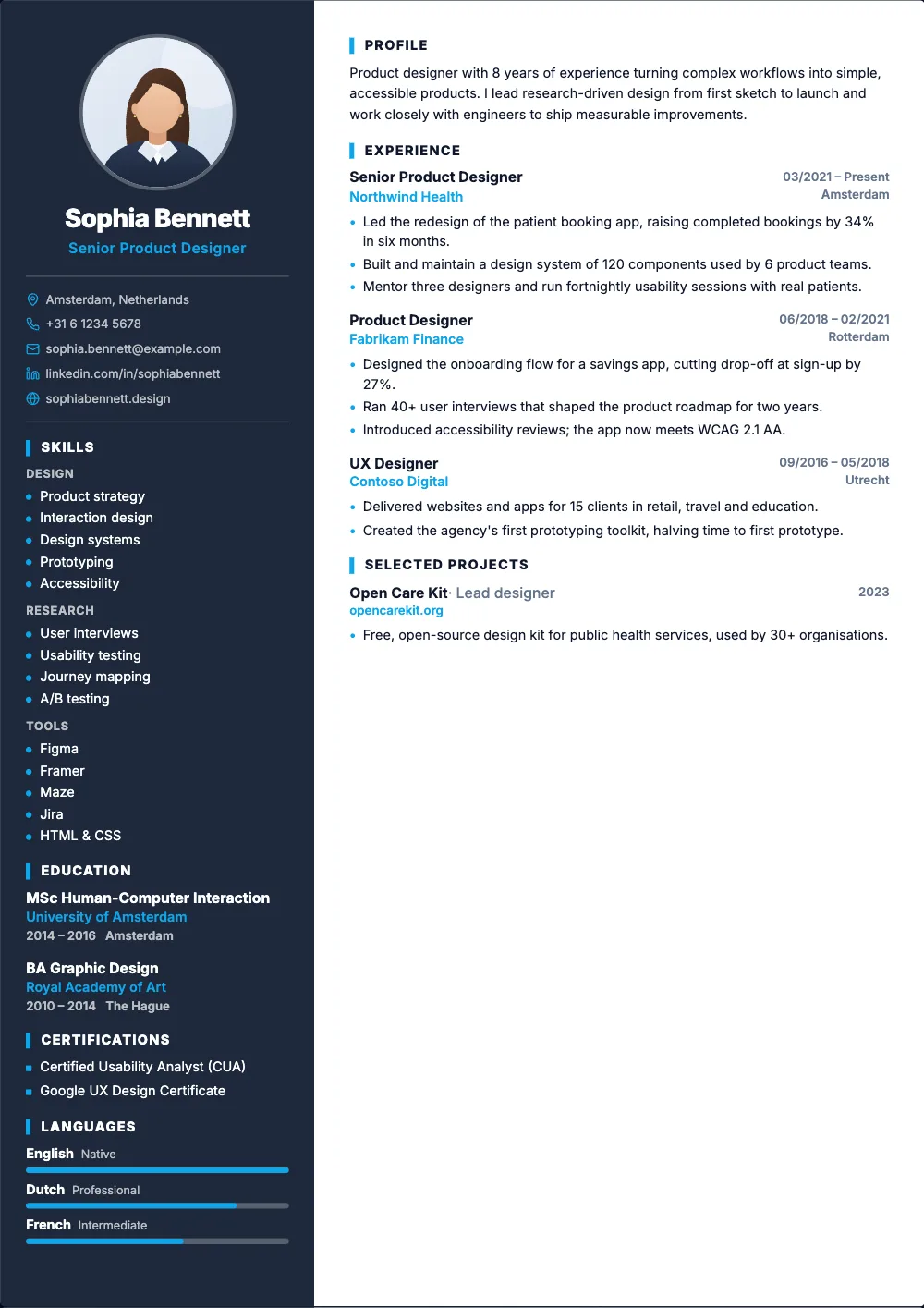 Pro
ProA dark sidebar with your photo, contact details and skills.
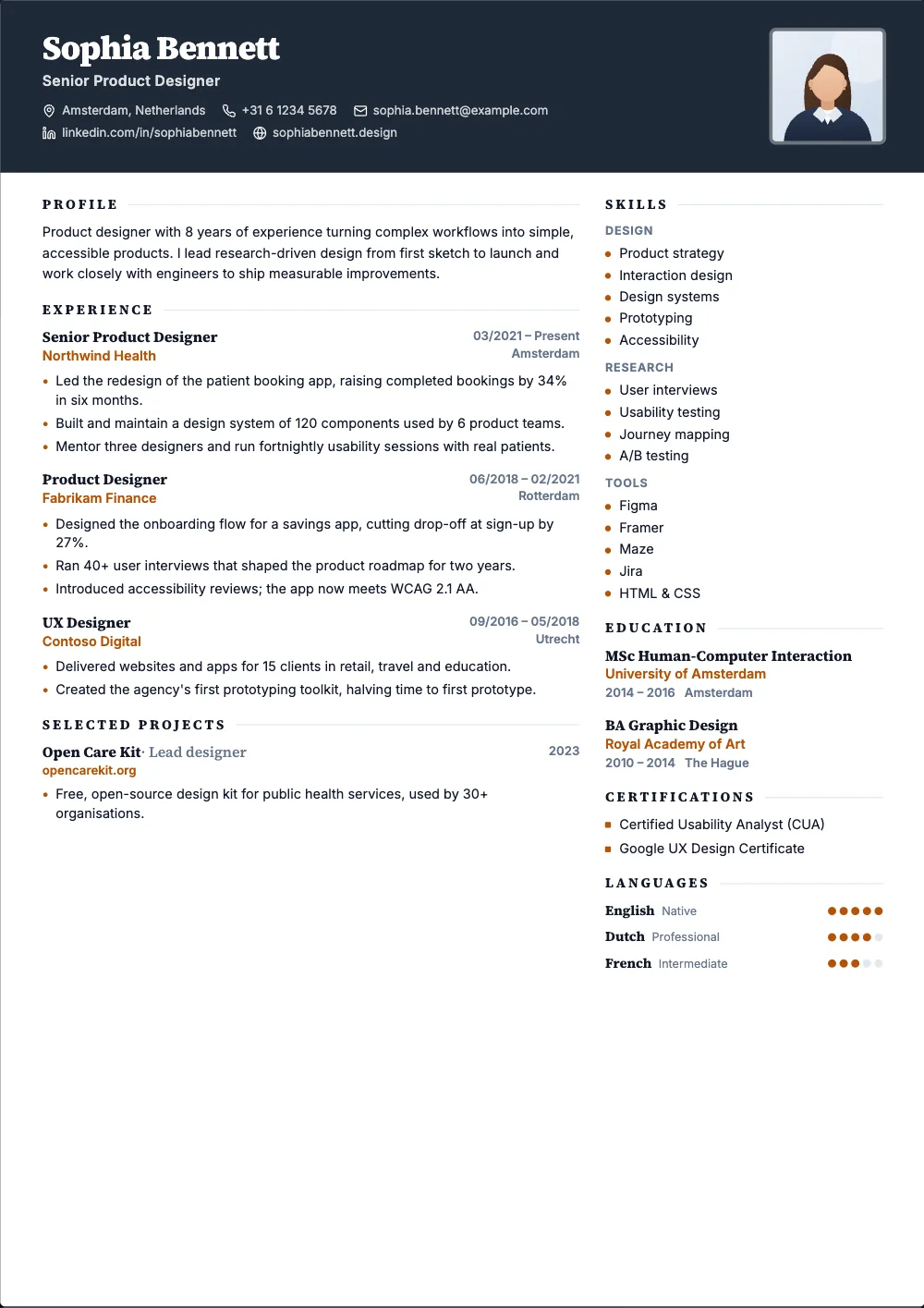 Pro
ProA dark banner across the top with your photo, and serif headings.
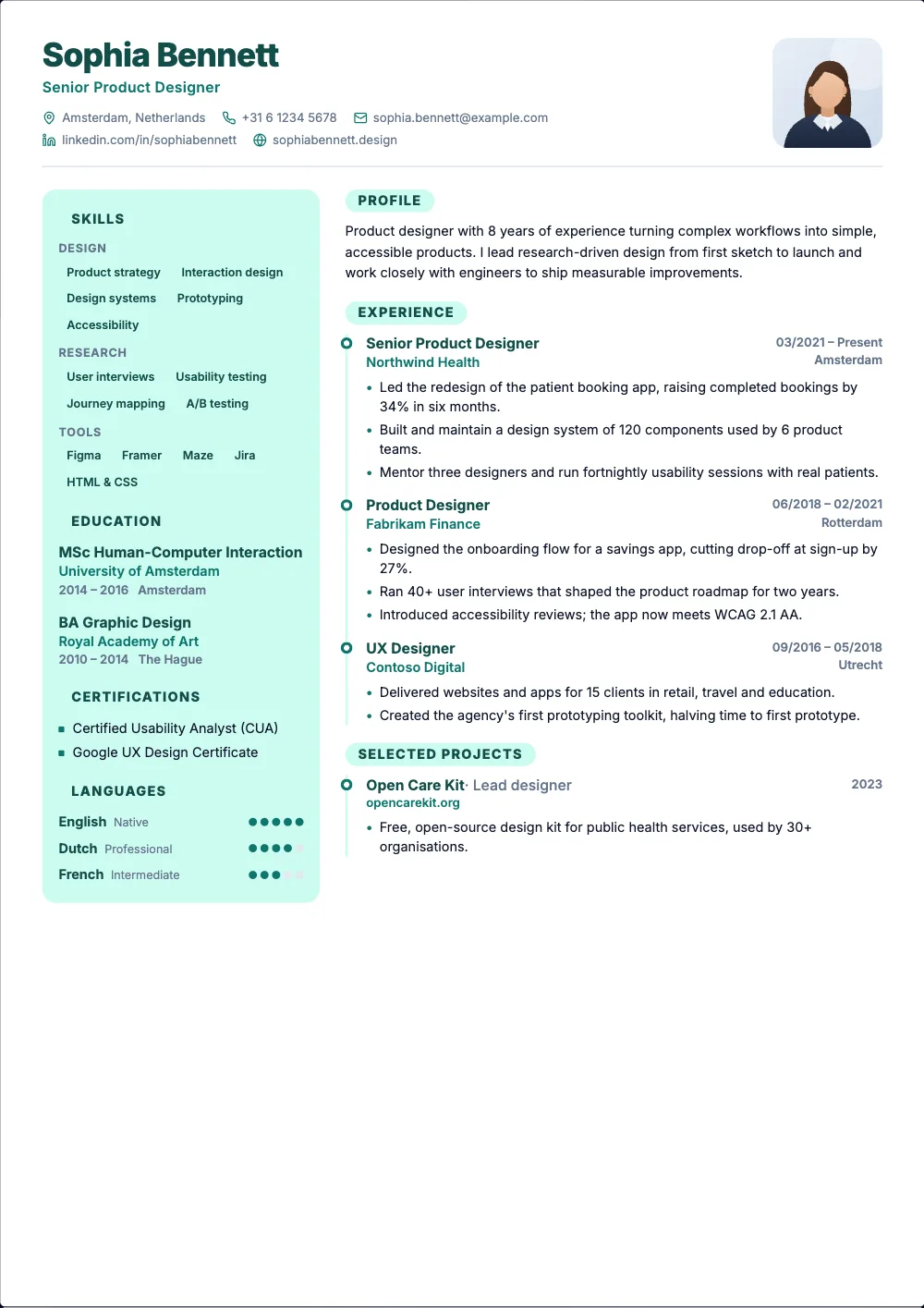 Pro
ProA side panel on the left and your jobs on a timeline.
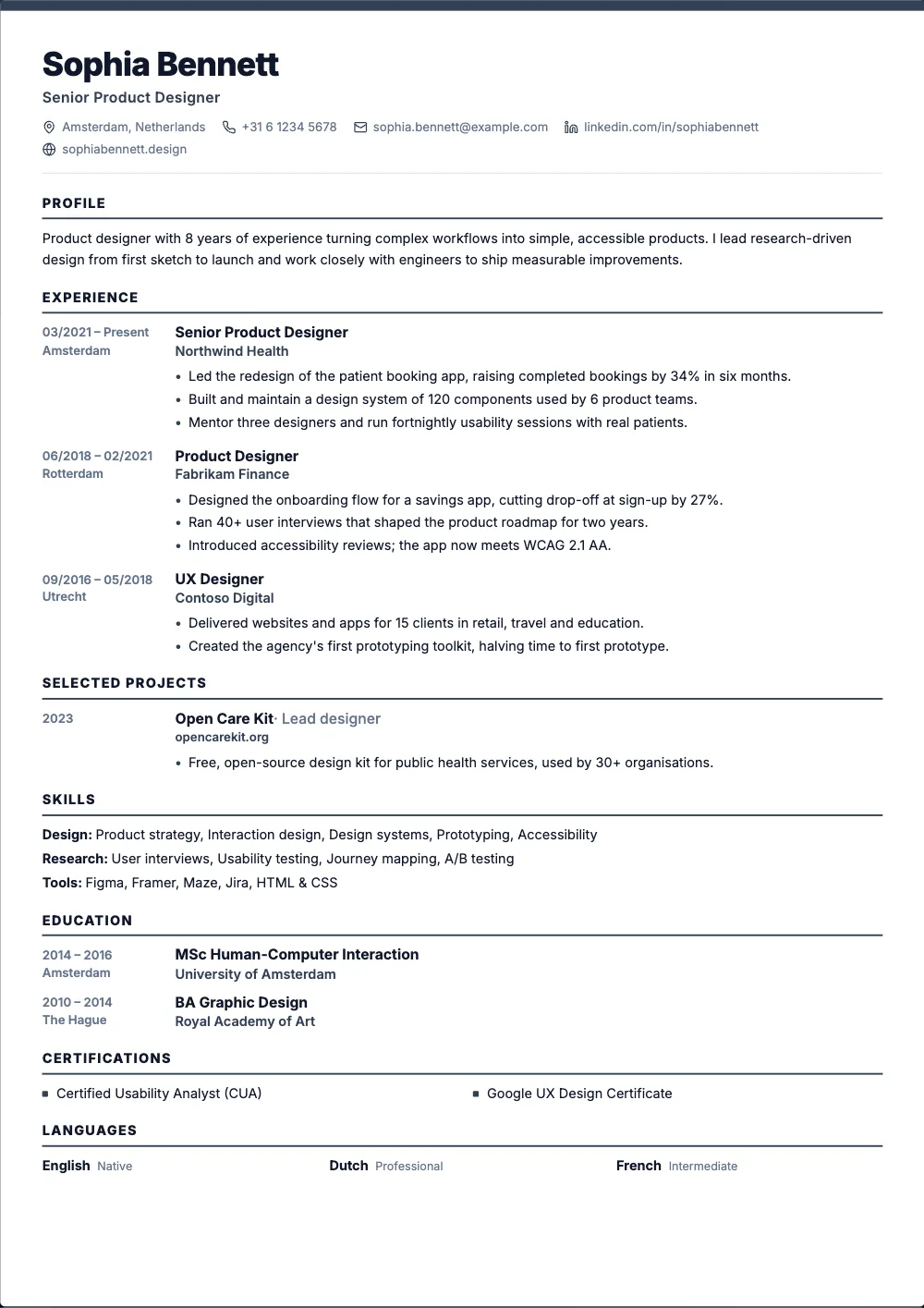 Free
FreeOne column under a coloured line, with the dates in the margin.
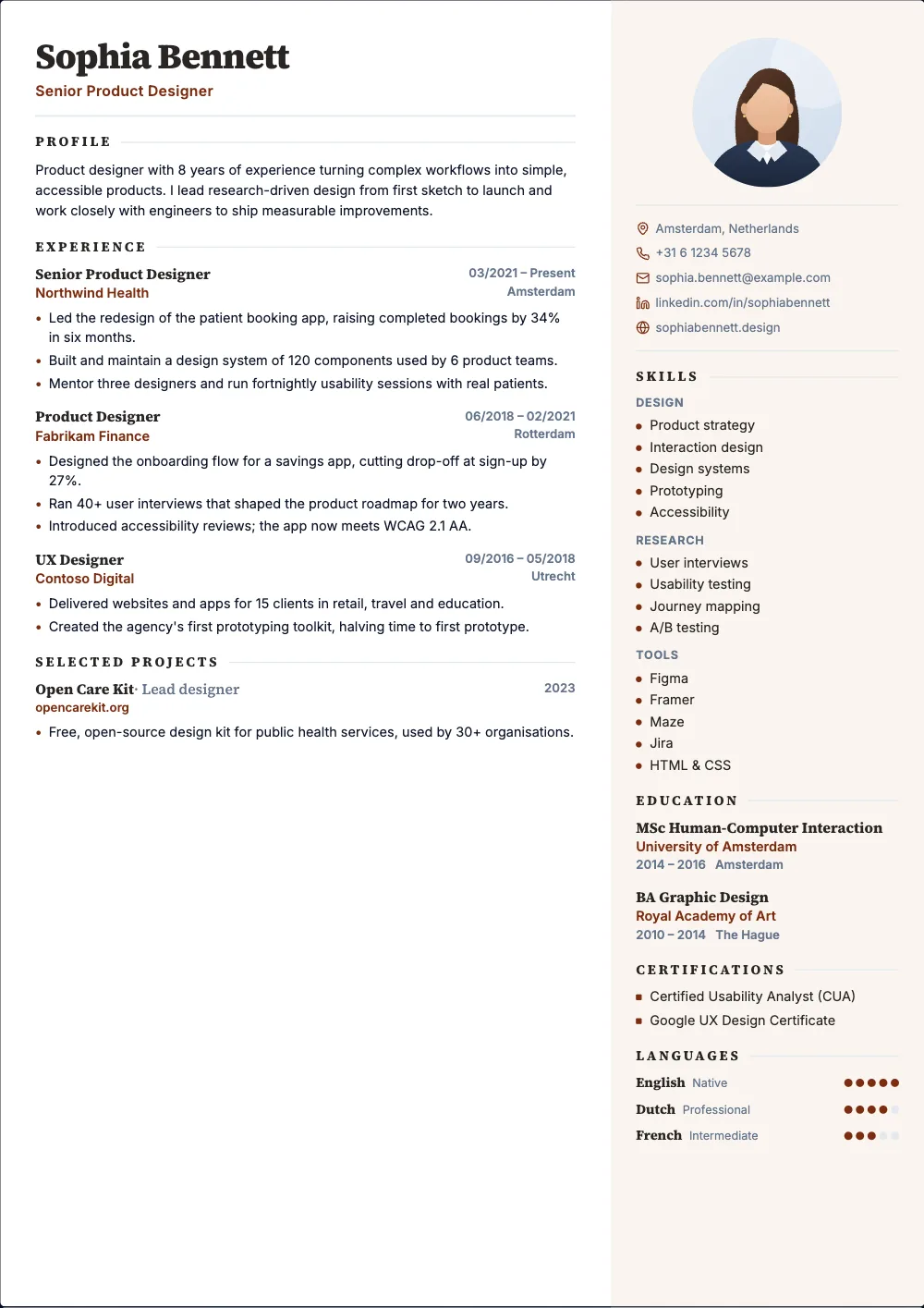 Pro
ProA soft sidebar on the right and serif headings.
 Pro
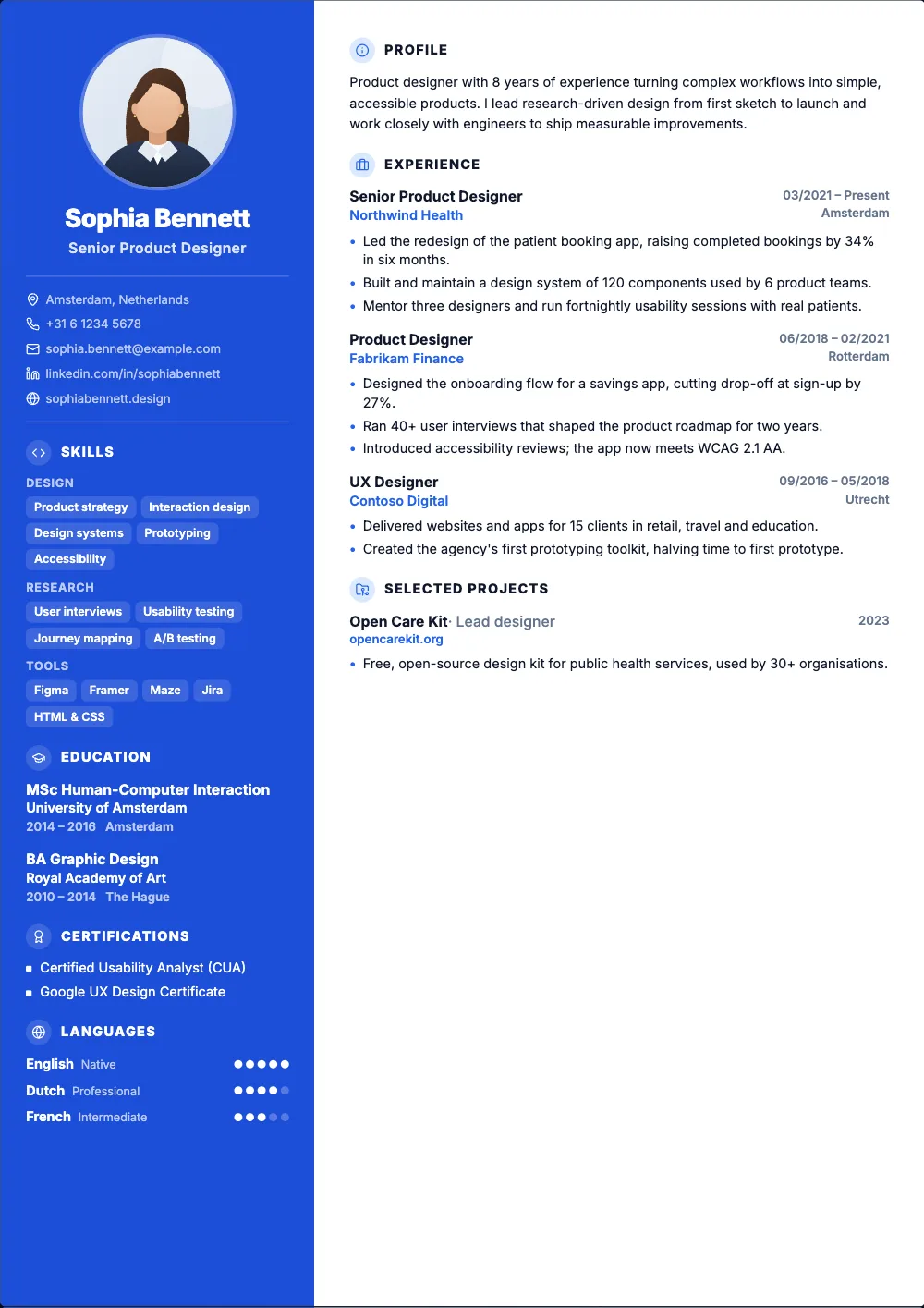
ProA bold colour sidebar with your photo and icons for each section.
 Pro
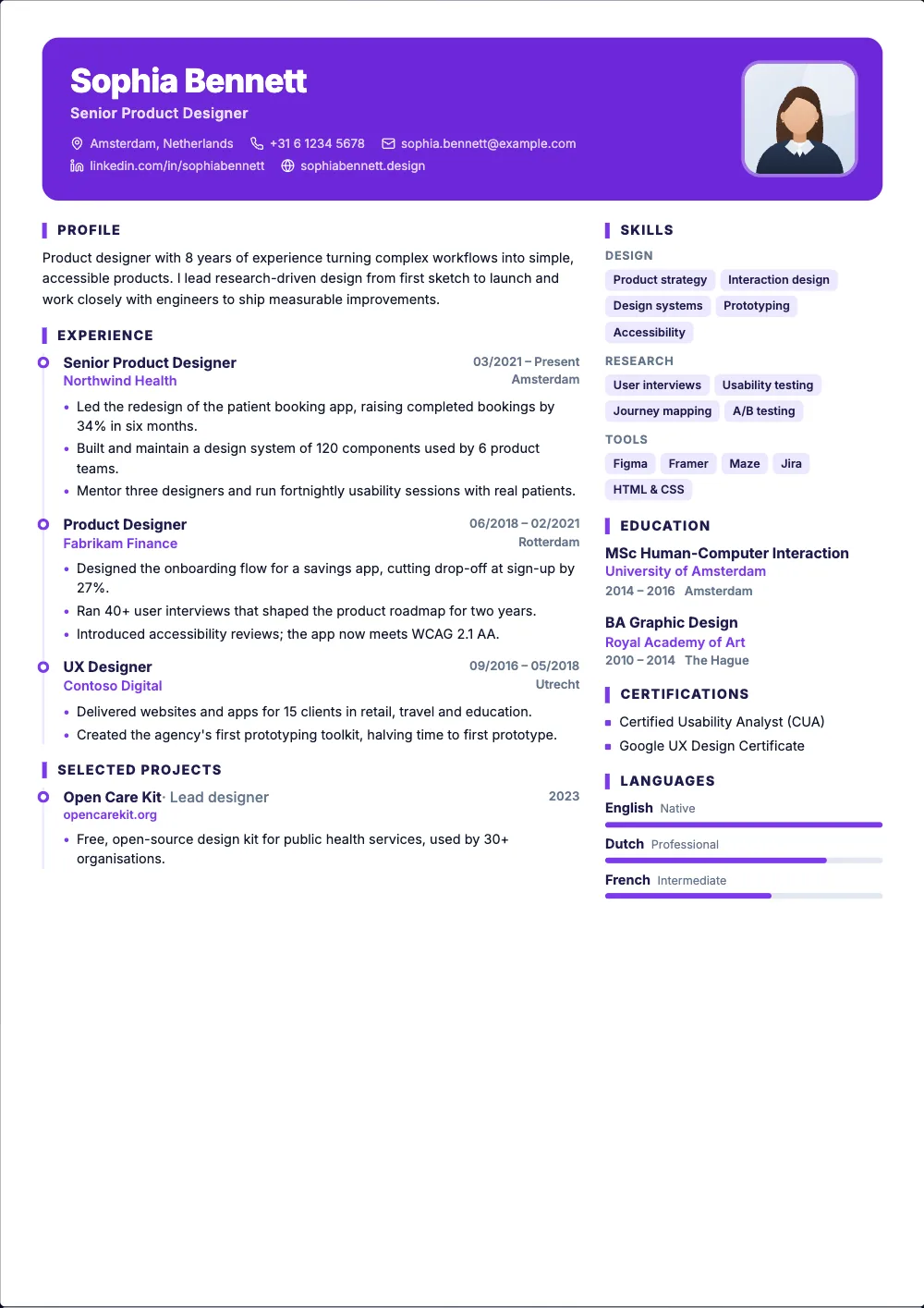
ProA colour card at the top and your jobs on a timeline.
 Pro
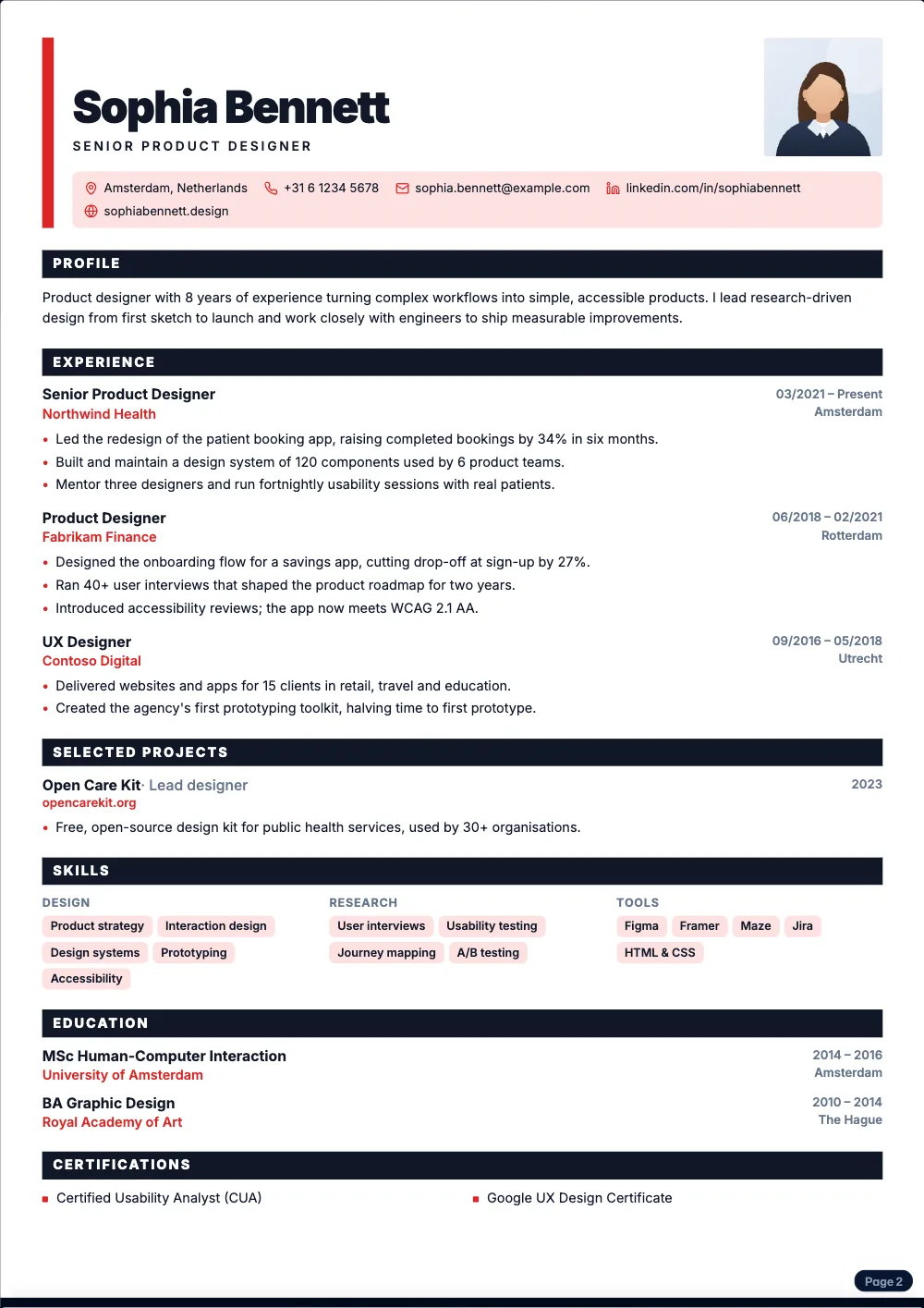
ProAn oversized name, a colour block and filled section bars.
 Free
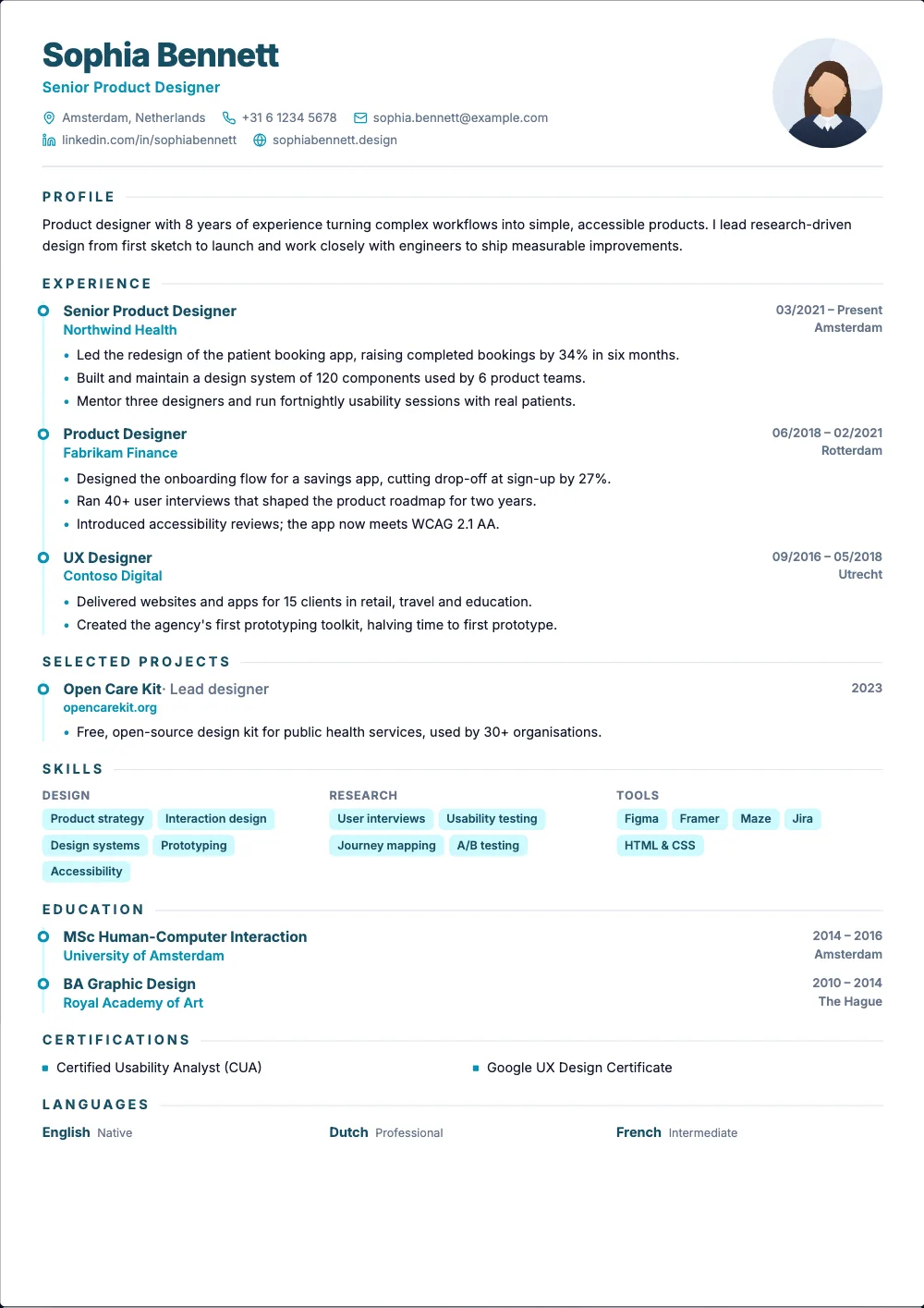
FreeOne airy column, your photo, and your jobs on a timeline.
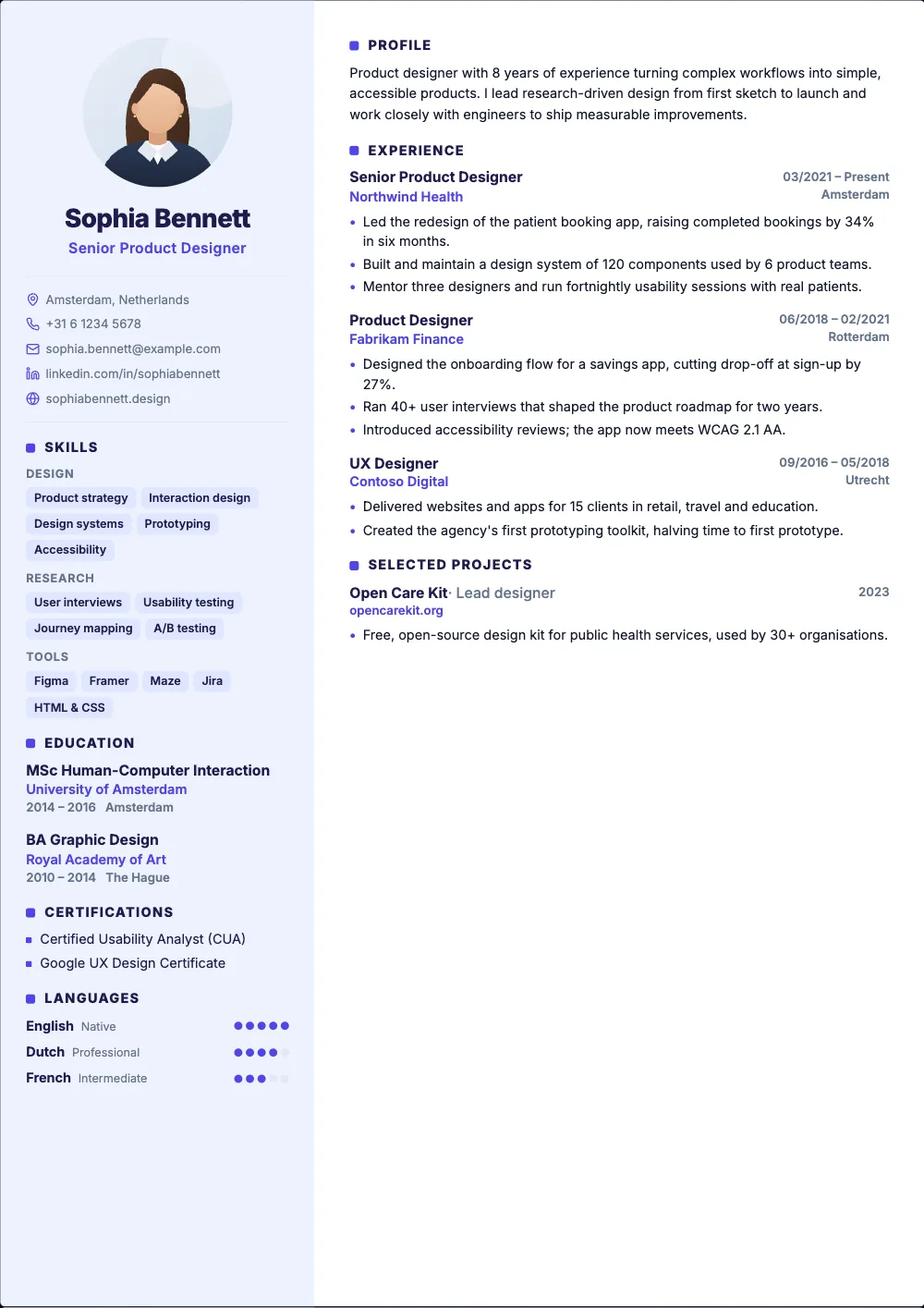 Pro
ProA light sidebar with your photo and rating dots for languages.
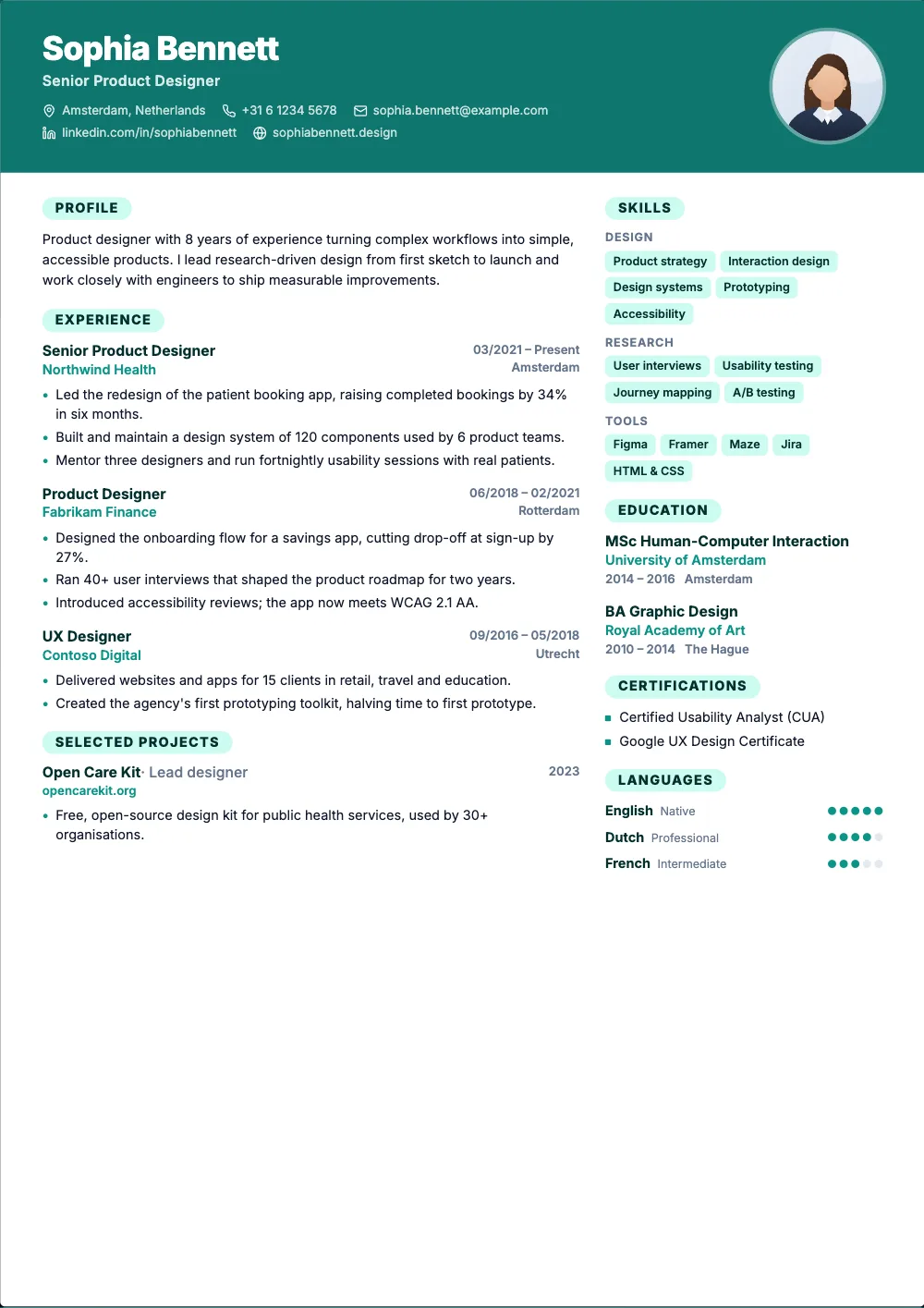 Pro
ProA colour banner with your photo and rounded section labels.
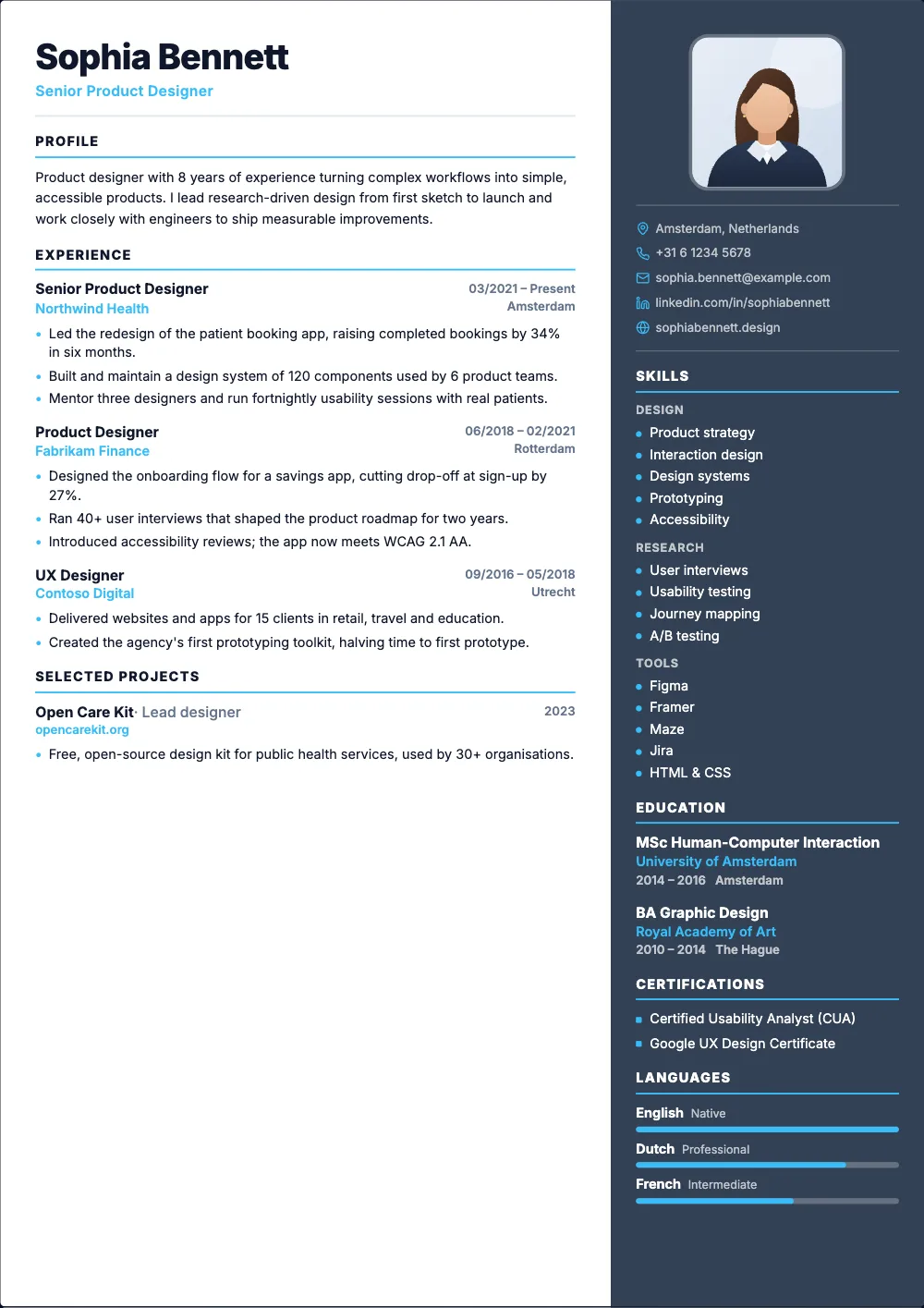 Pro
ProA dark sidebar on the right with your photo and skill list.
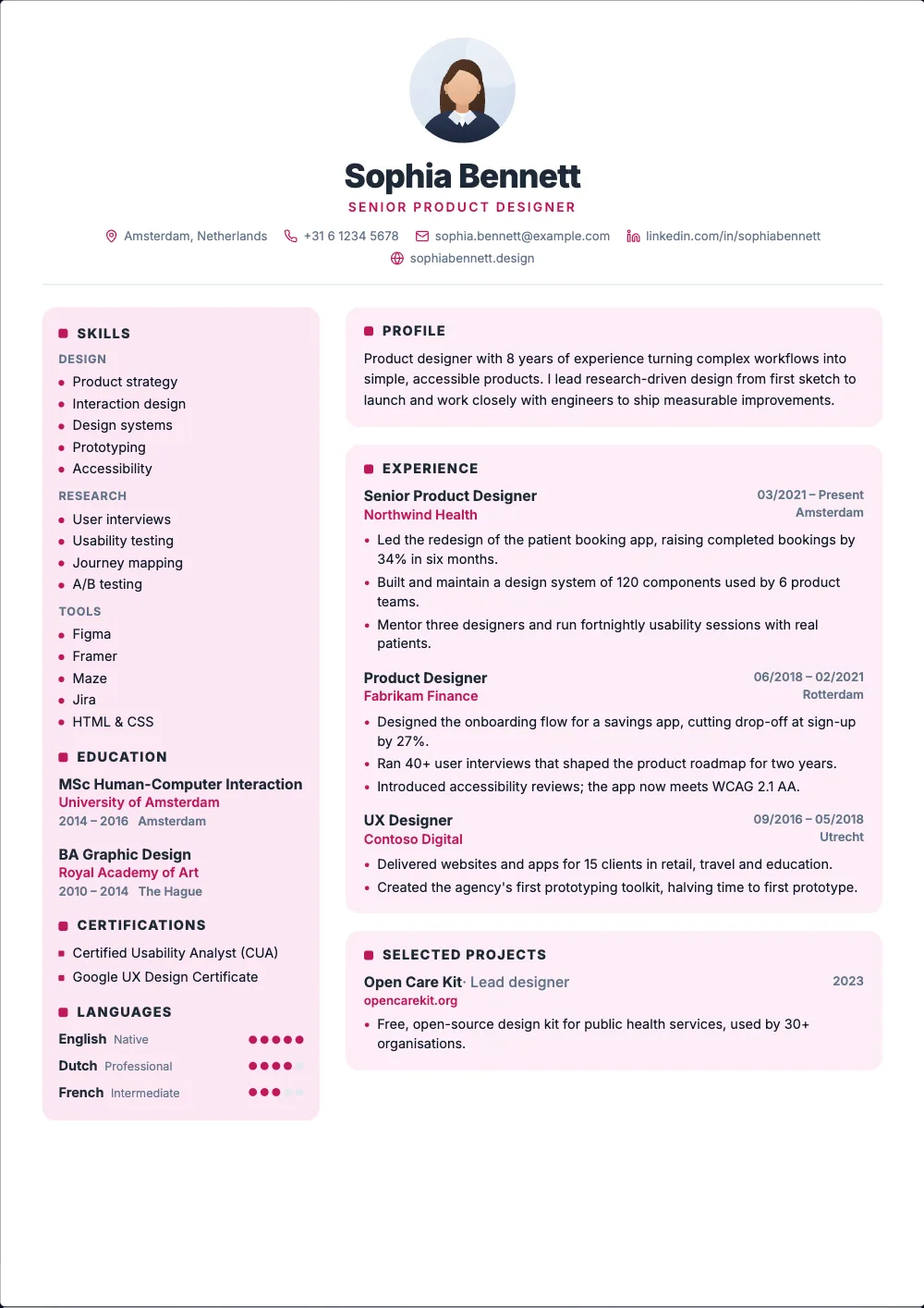 Pro
ProA centered header and your sections on soft cards.
 Pro
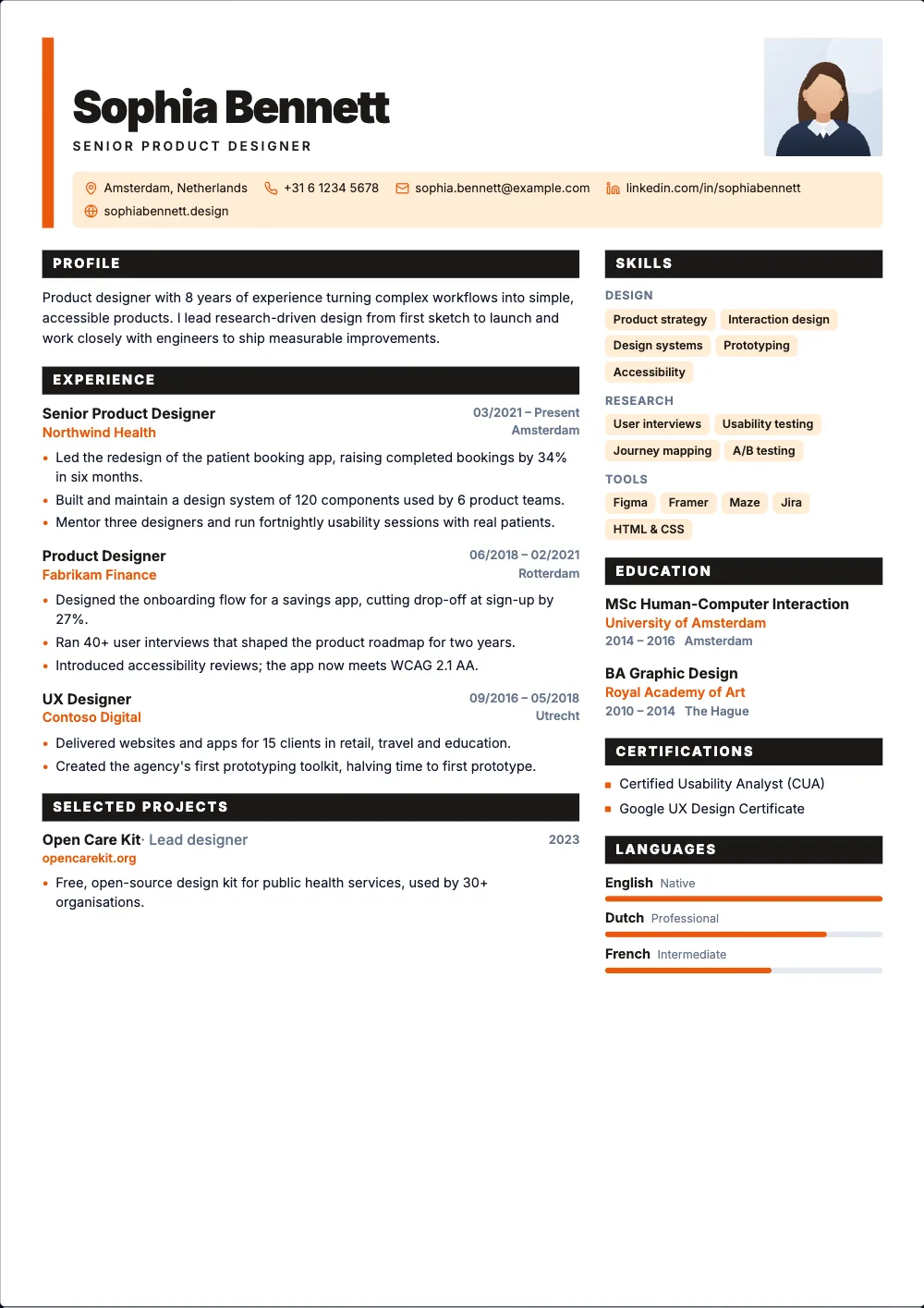
ProA huge name, a colour block and filled section bars.
 Pro
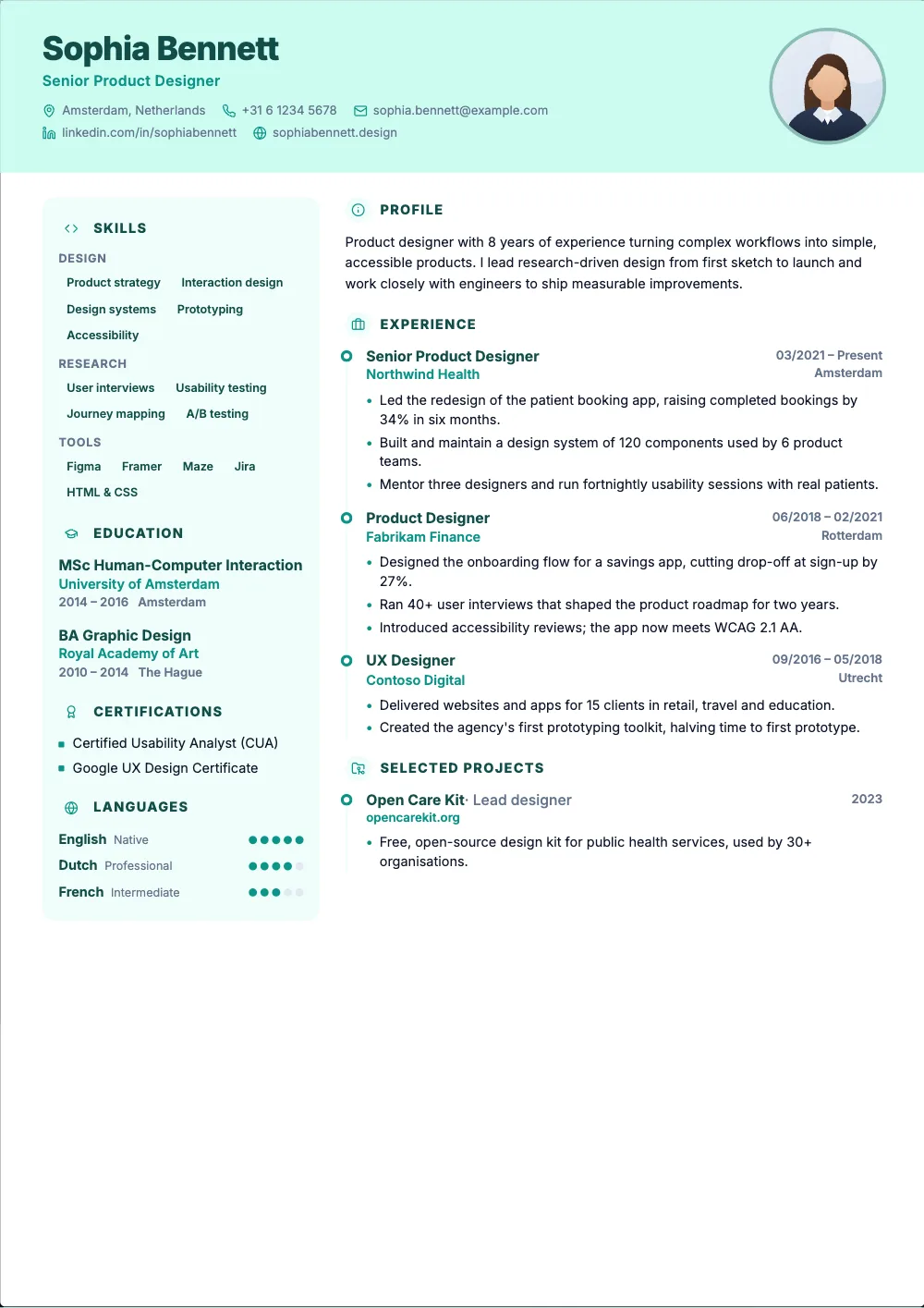
ProA soft banner, a side panel and your jobs on a timeline.
 Pro
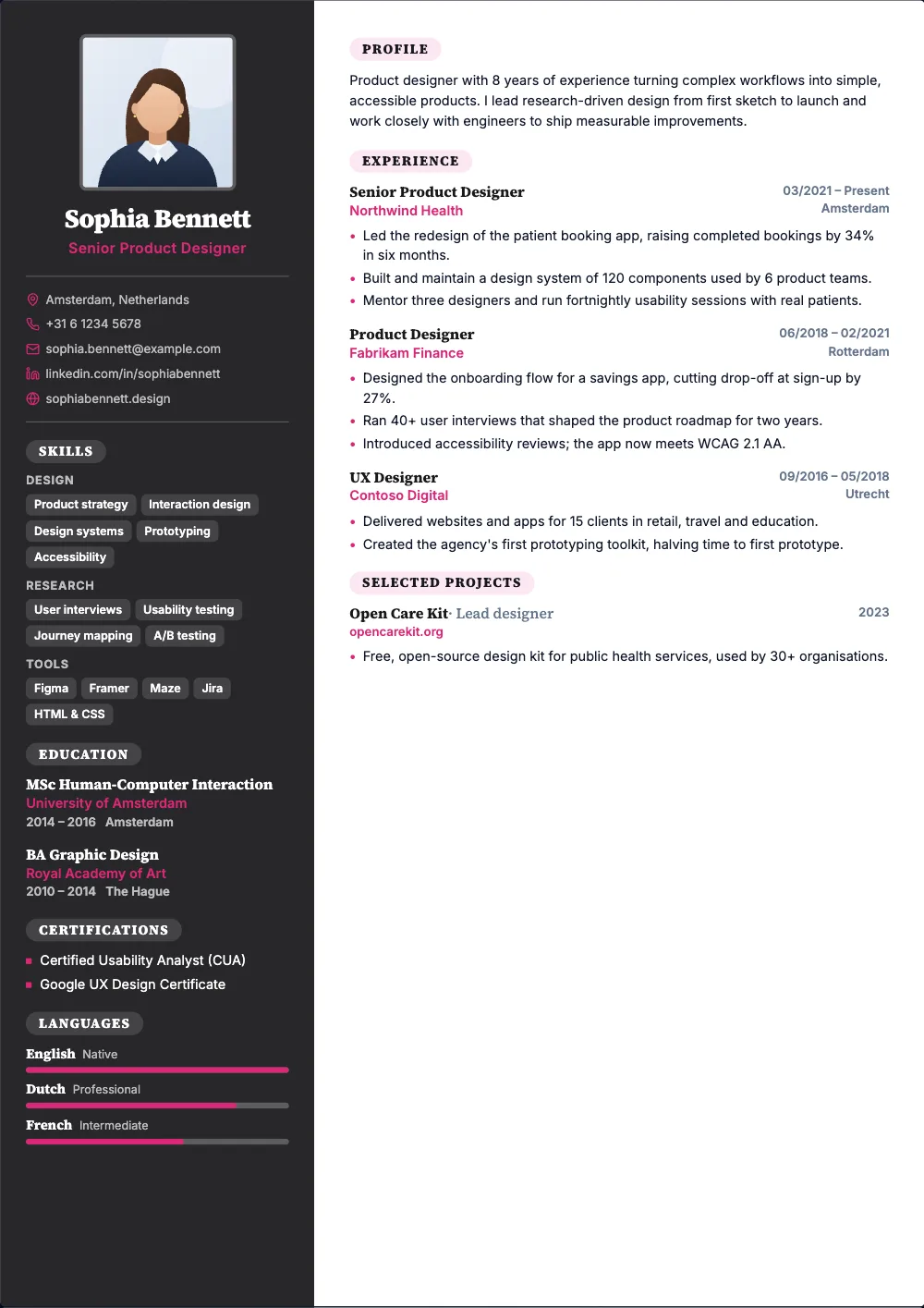
ProA charcoal sidebar, a square photo and serif headings.
 Pro
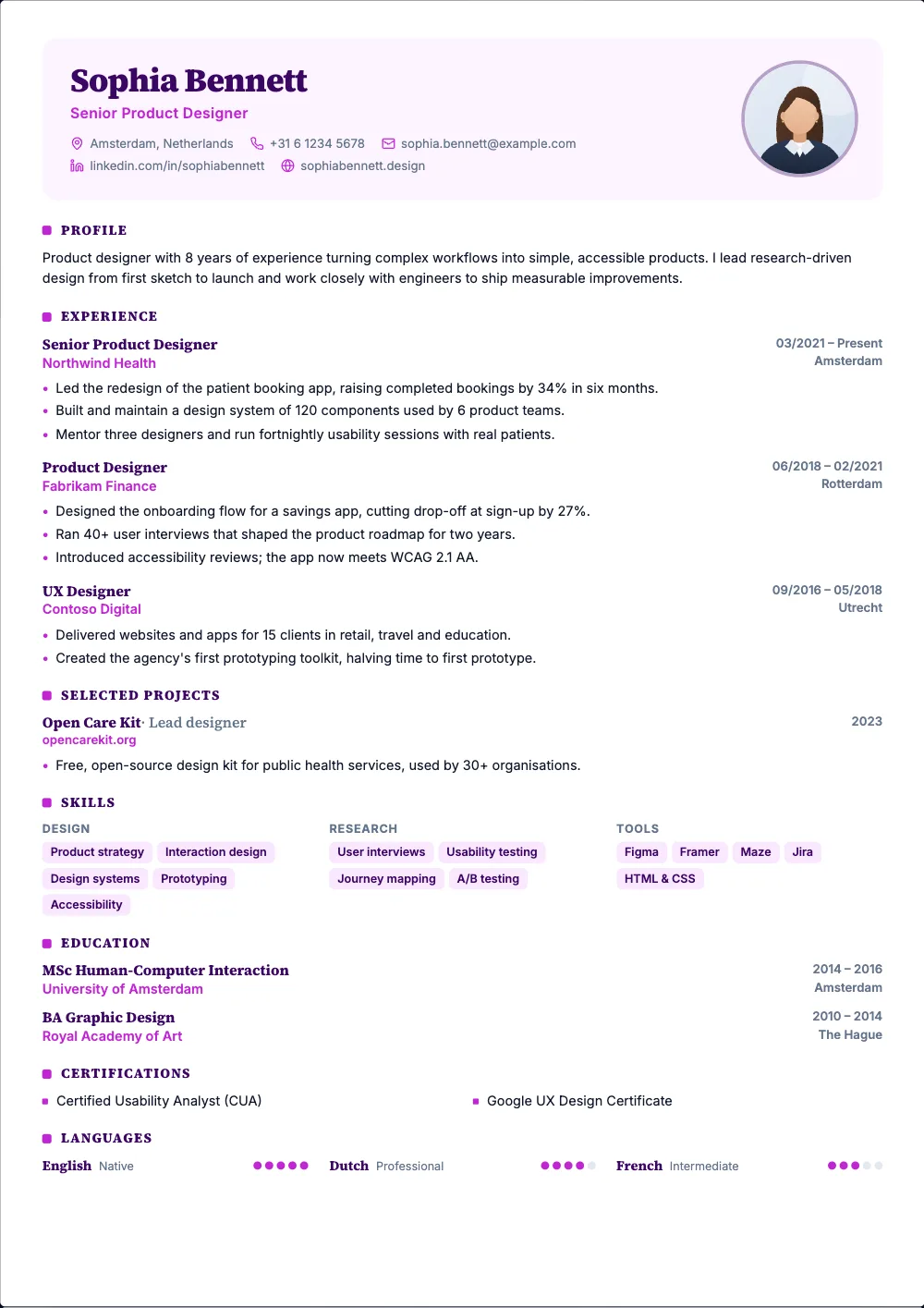
ProA soft colour card at the top and serif headings.
 Pro
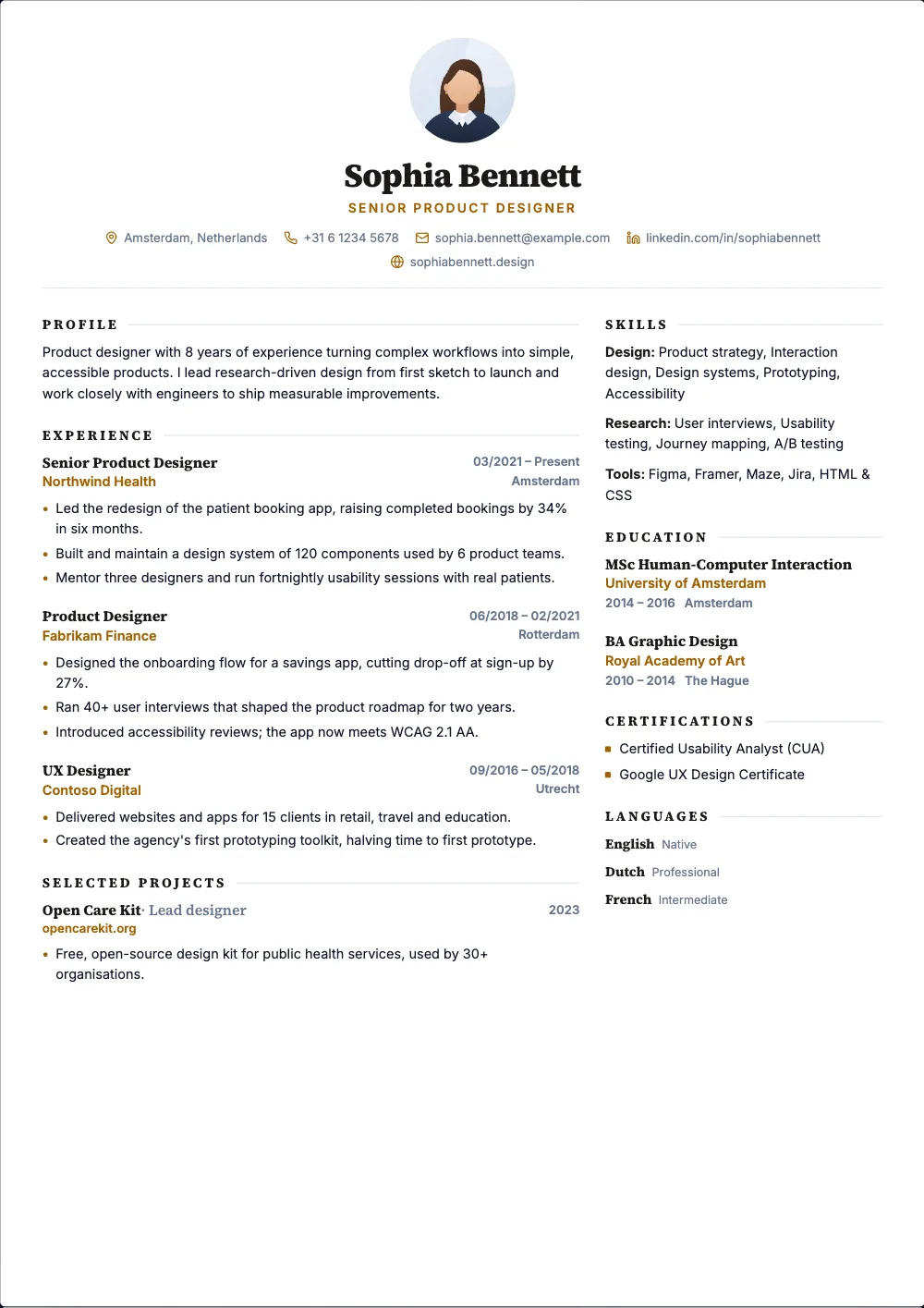
ProA centered serif header with plenty of white space.
 Pro
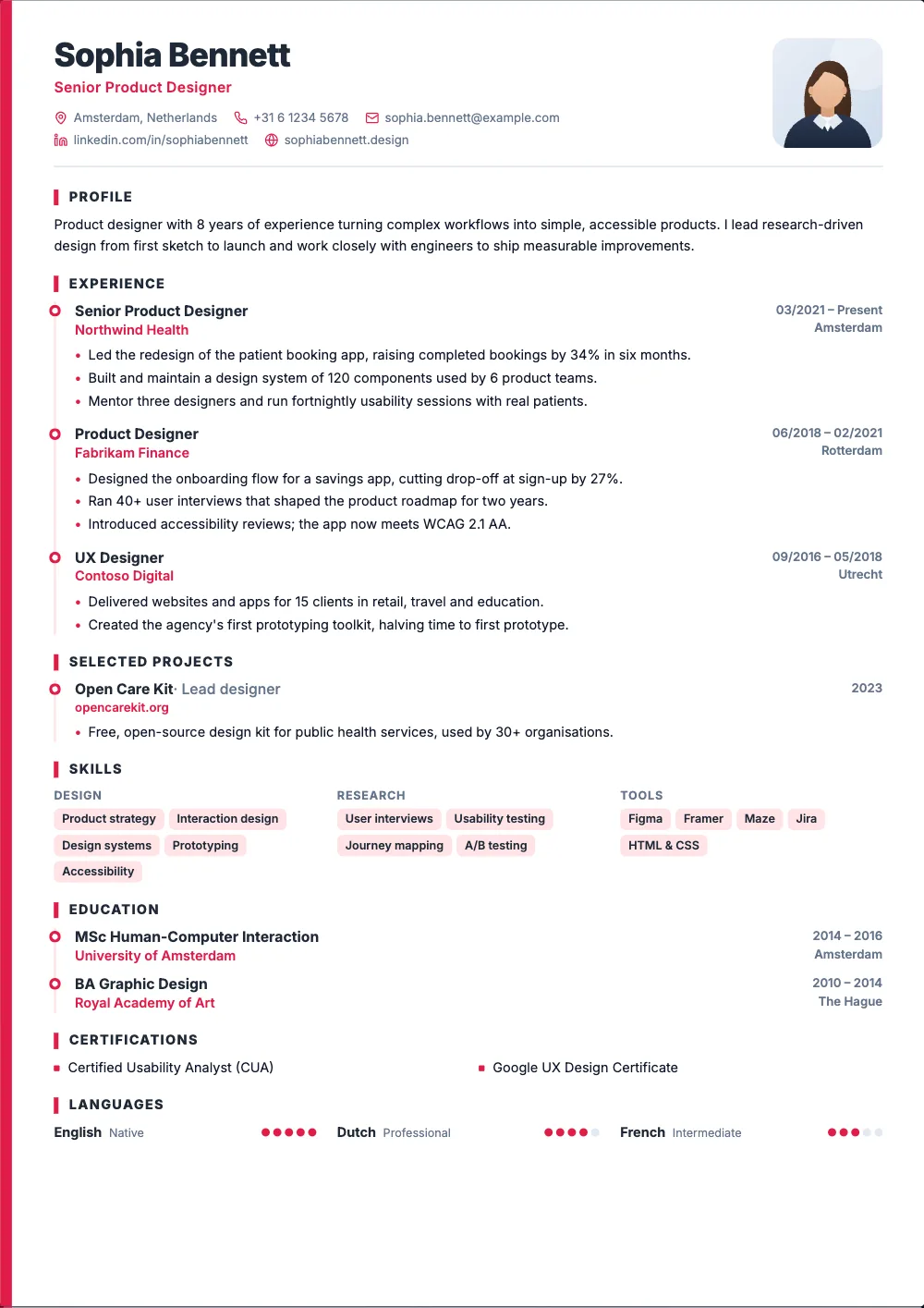
ProA colour band down the side and your jobs on a timeline.
 Pro
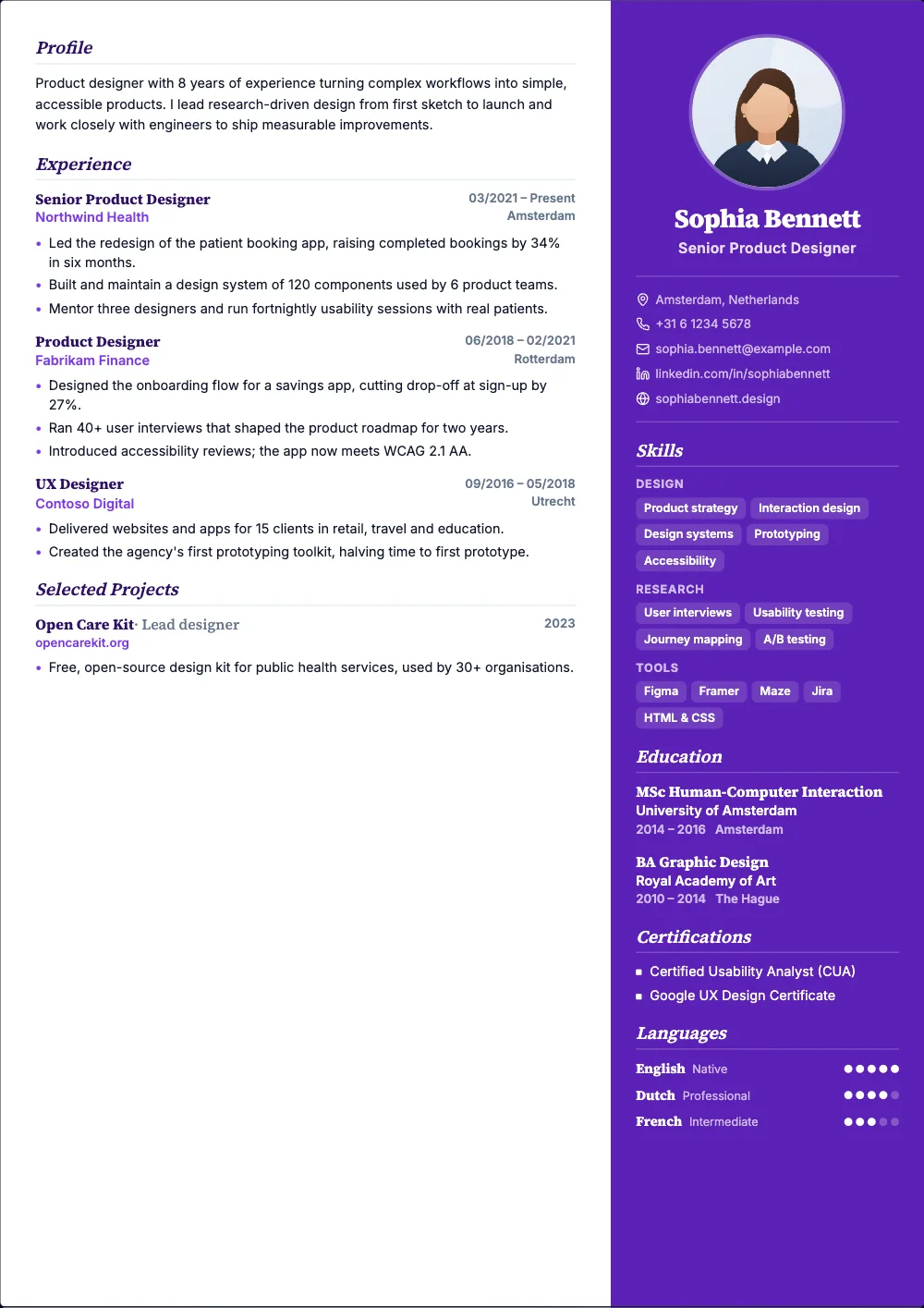
ProA colour sidebar on the right with italic serif headings.
 Free
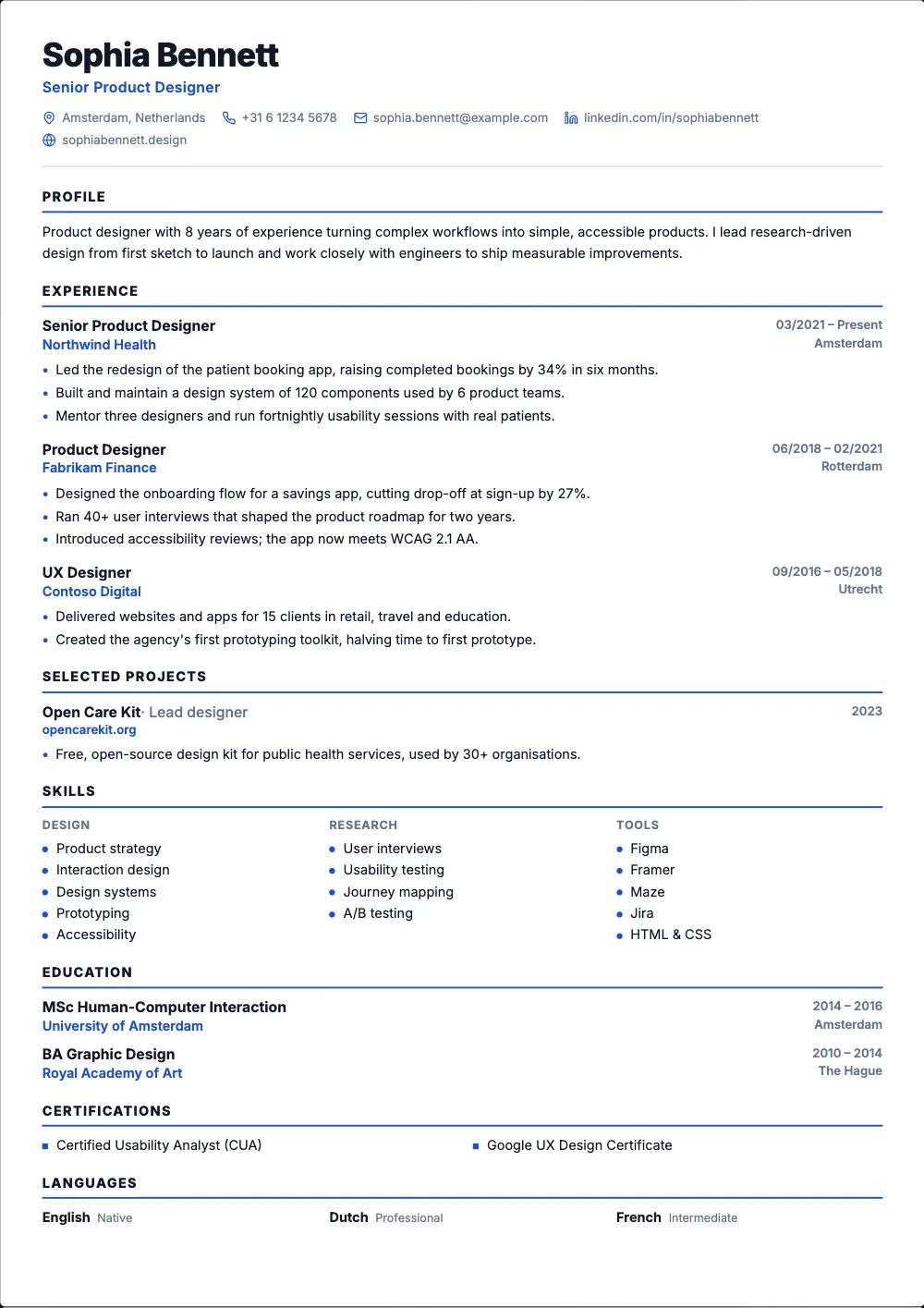
FreeOne clean column, simple rules, nothing to confuse a scanner.
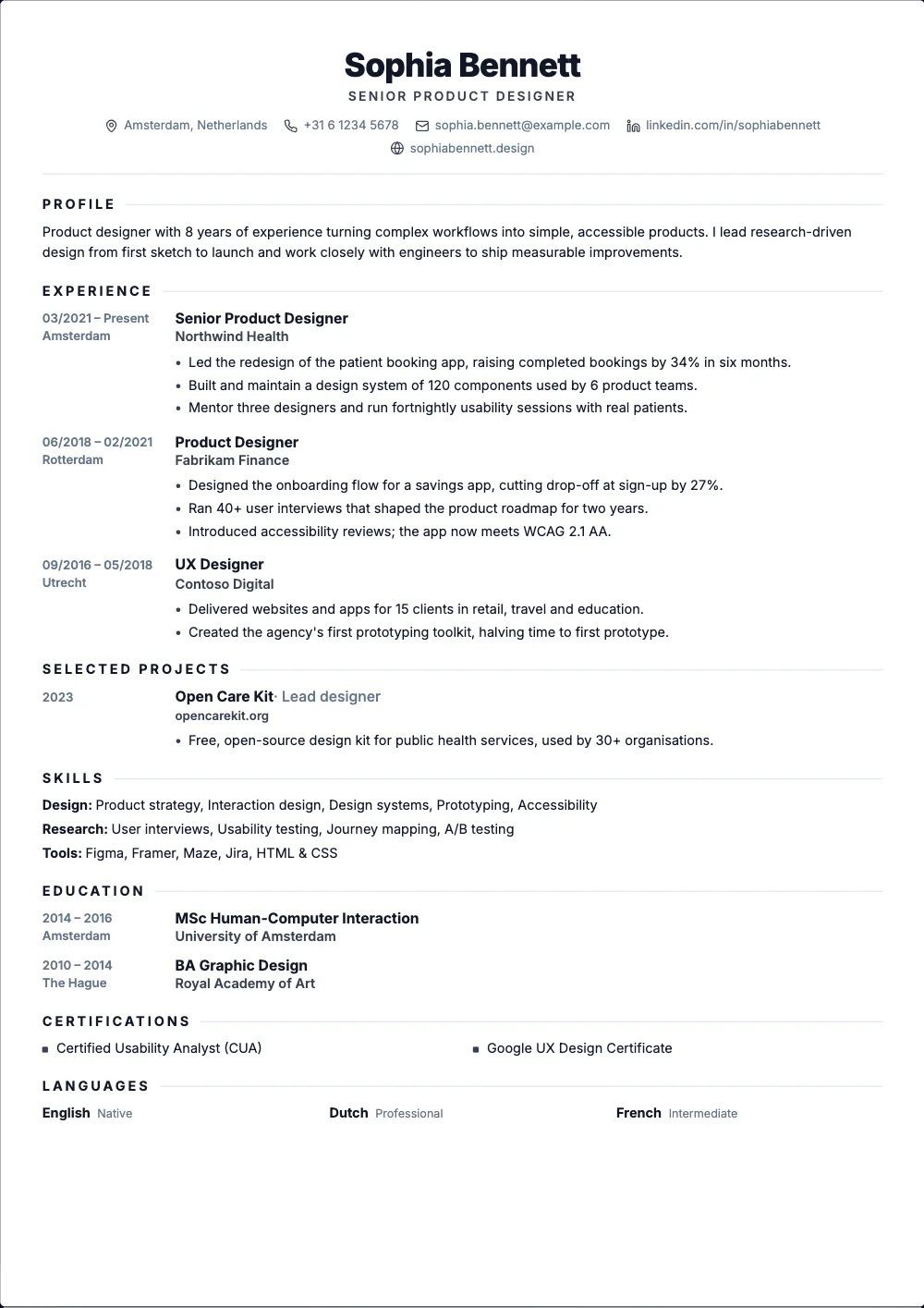 Free
FreeOne centered column with the dates in the margin.
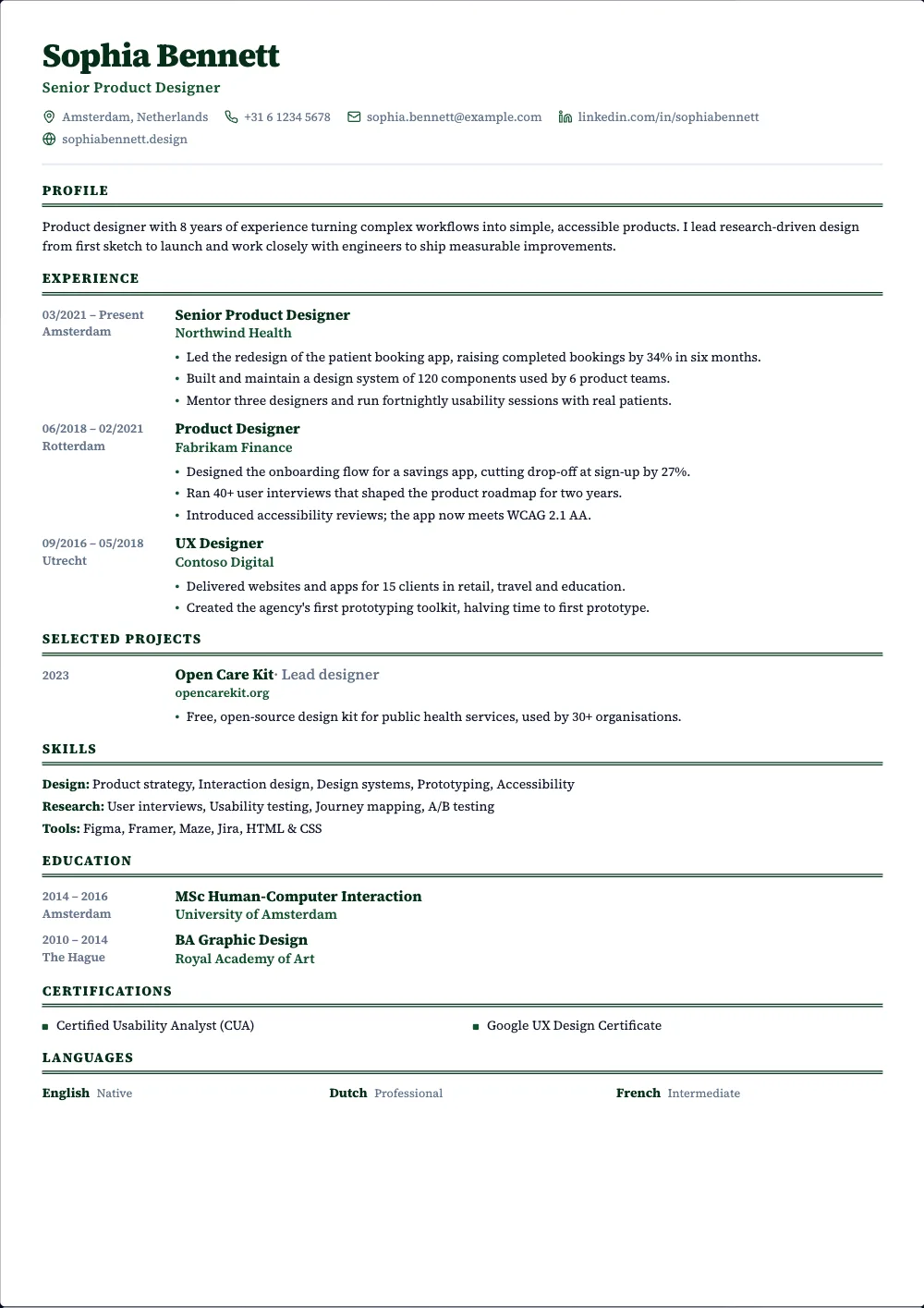 Pro
ProA compact serif column with double rules, like a printed CV.
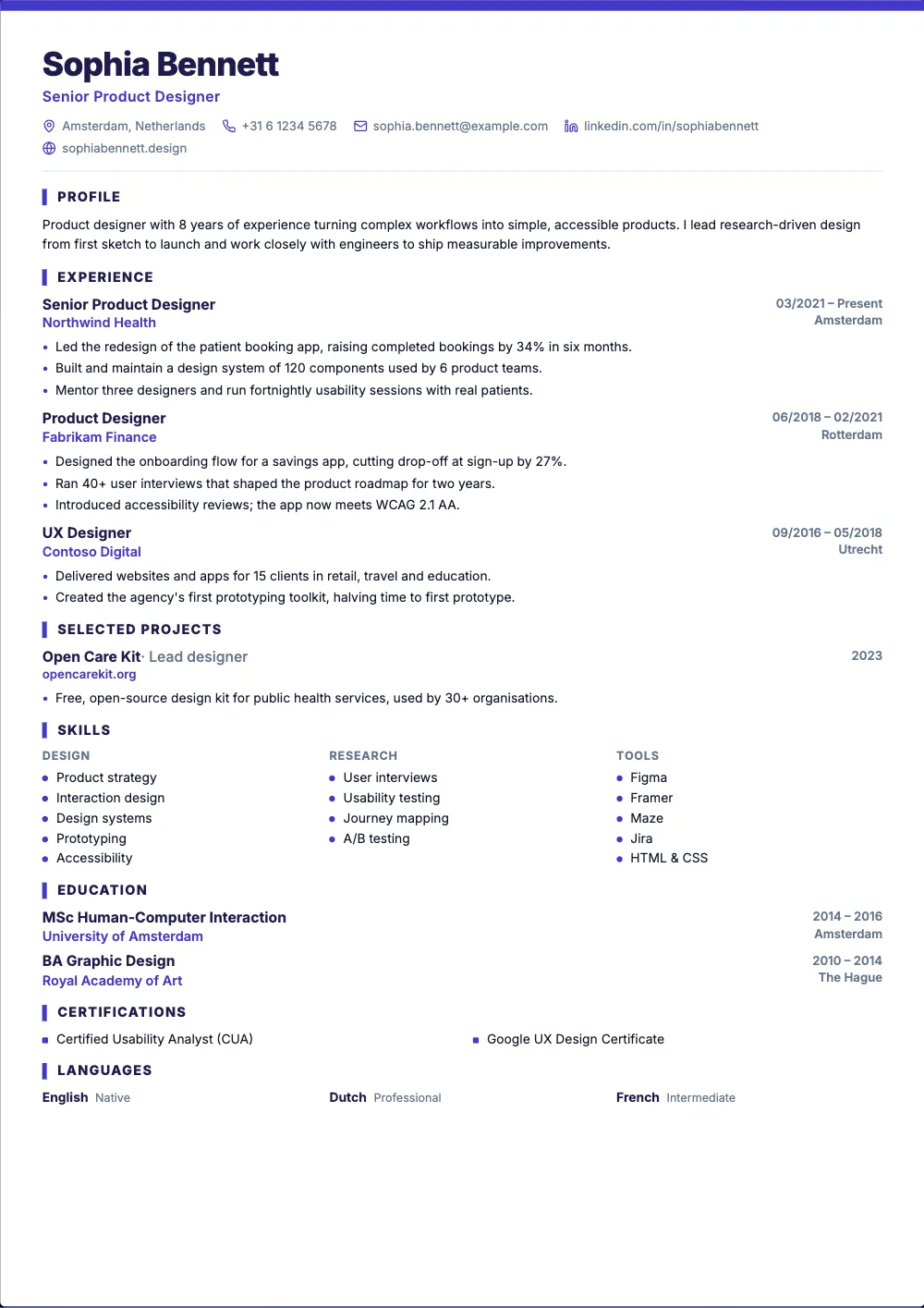 Pro
ProOne tight column under a coloured line.
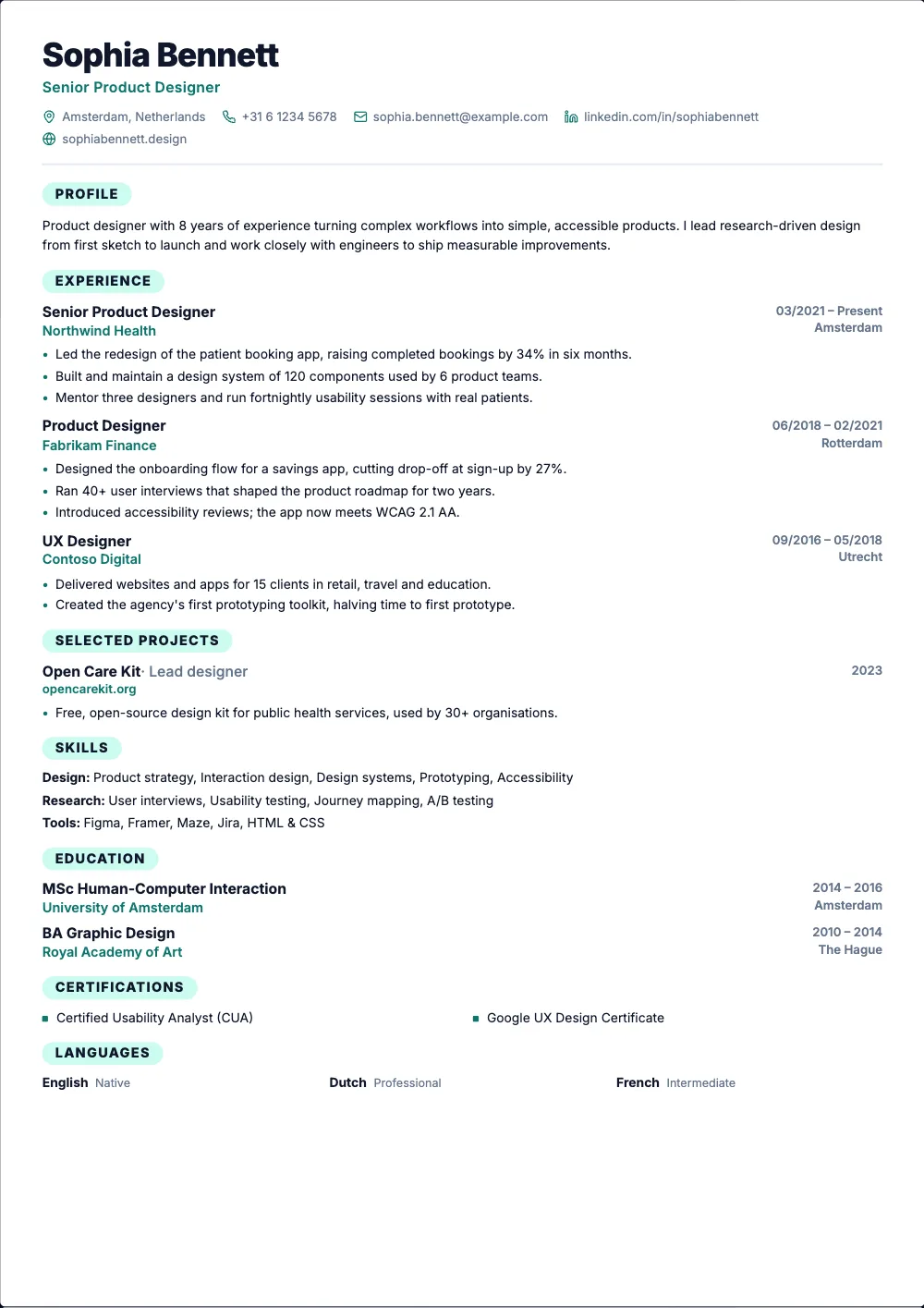 Free
FreeOne compact column with rounded section labels.
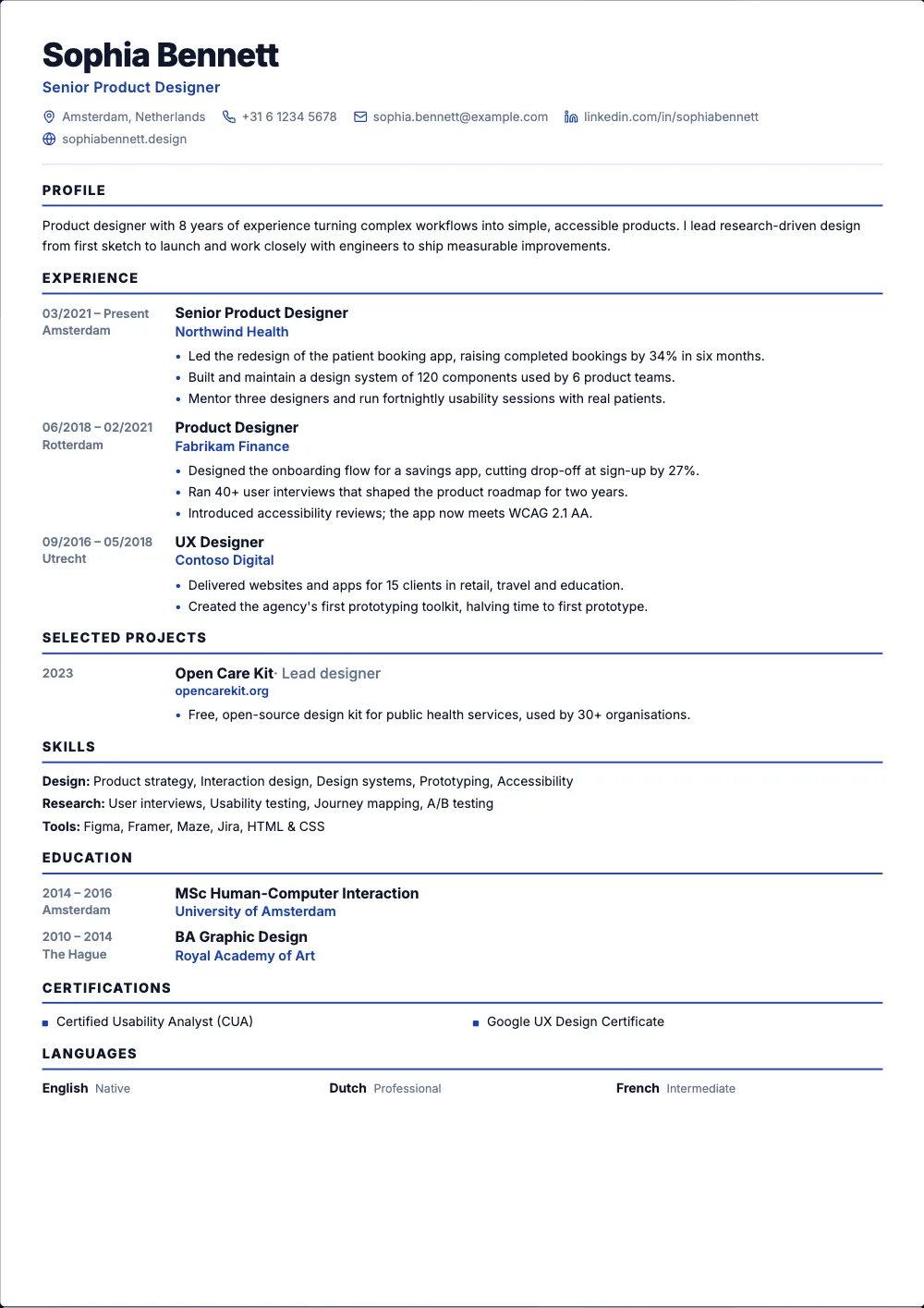 Pro
ProTight spacing and the dates in the margin, to keep it to one page.
Best for: fitting a long career on one page
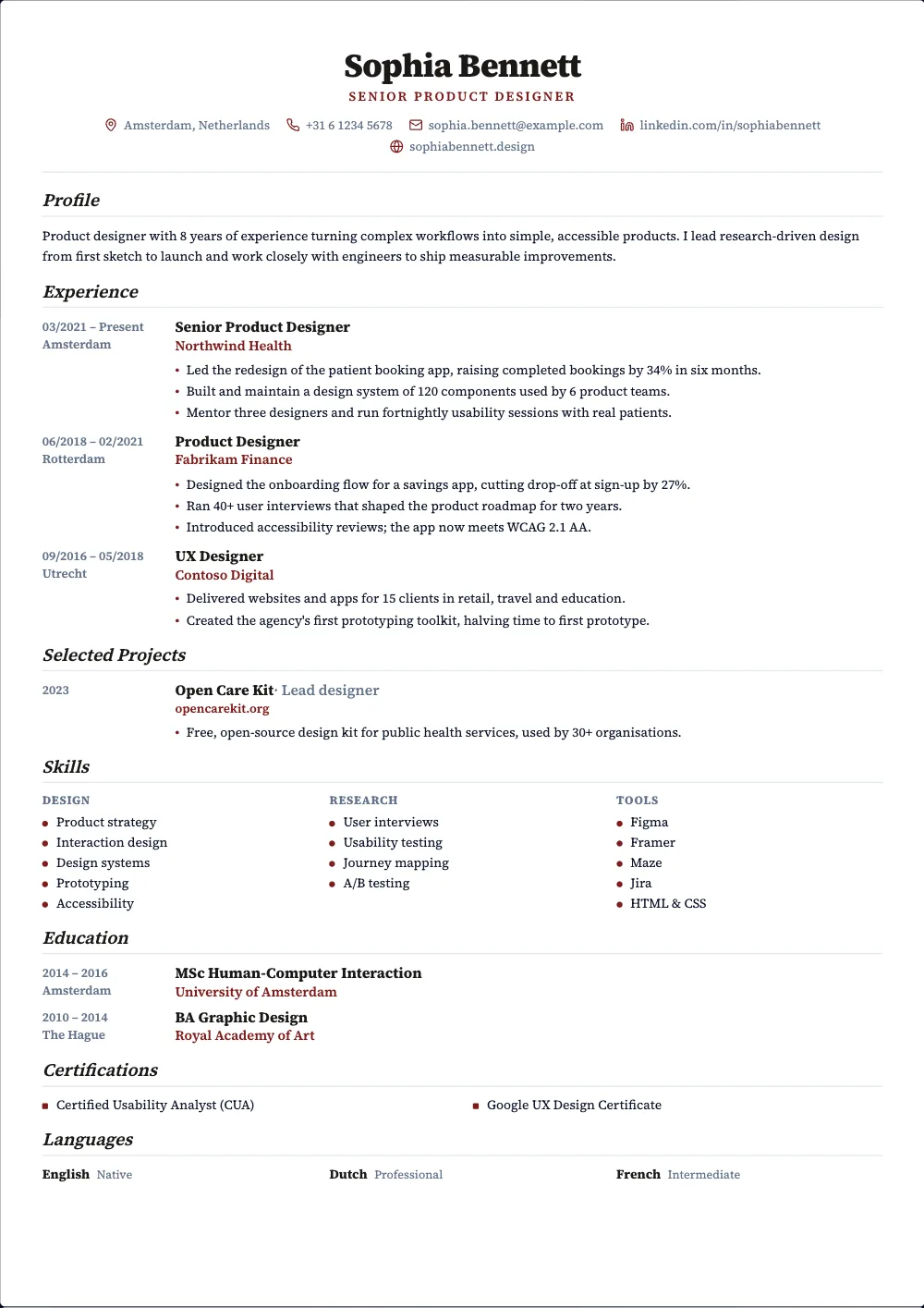 Pro
ProA serif column with the dates in the margin, for research and teaching.
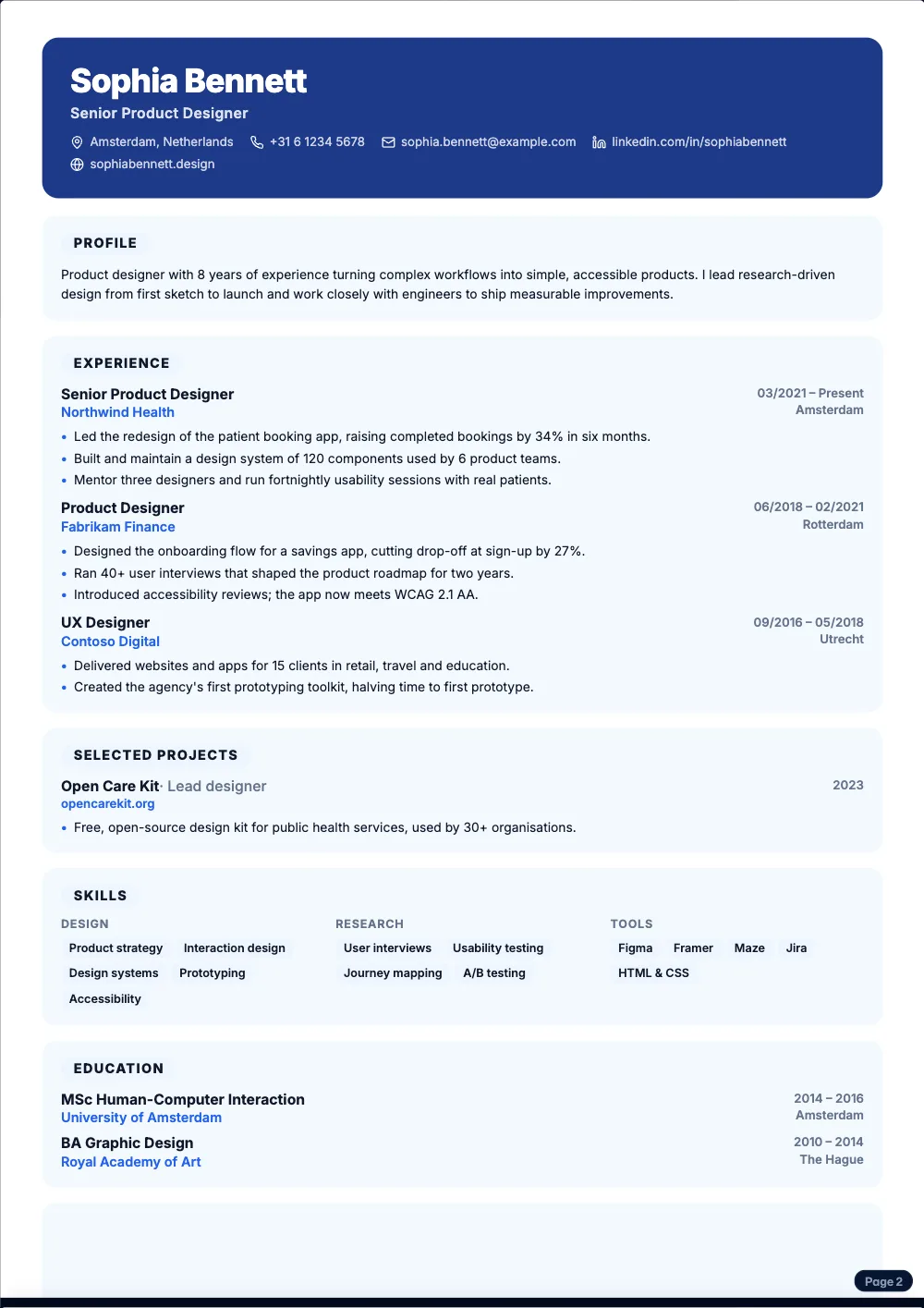 Pro
ProA colour card at the top and your sections on soft cards.
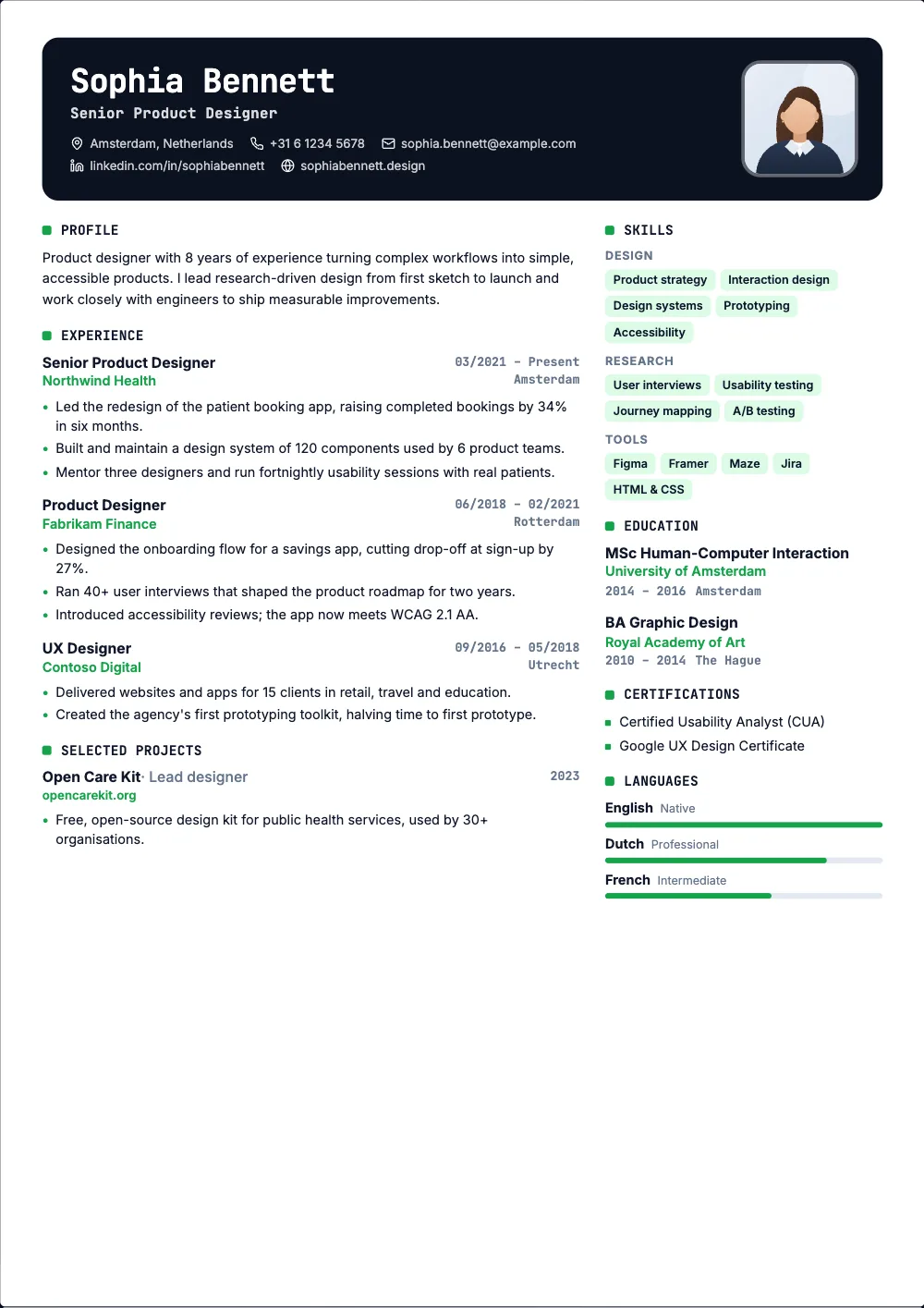 Pro
ProA dark card header and monospace headings.
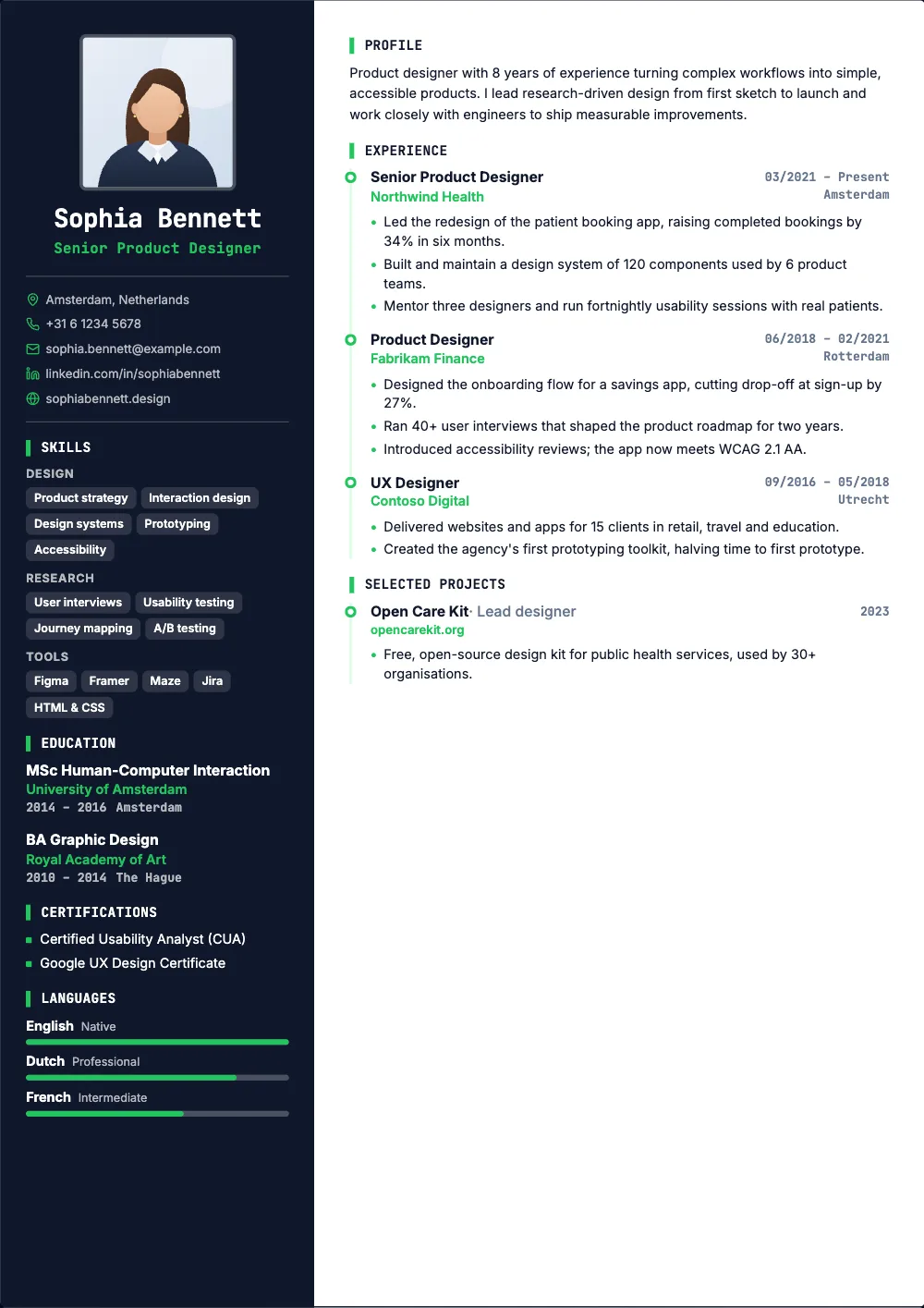 Pro
ProA dark sidebar, monospace headings and a timeline.
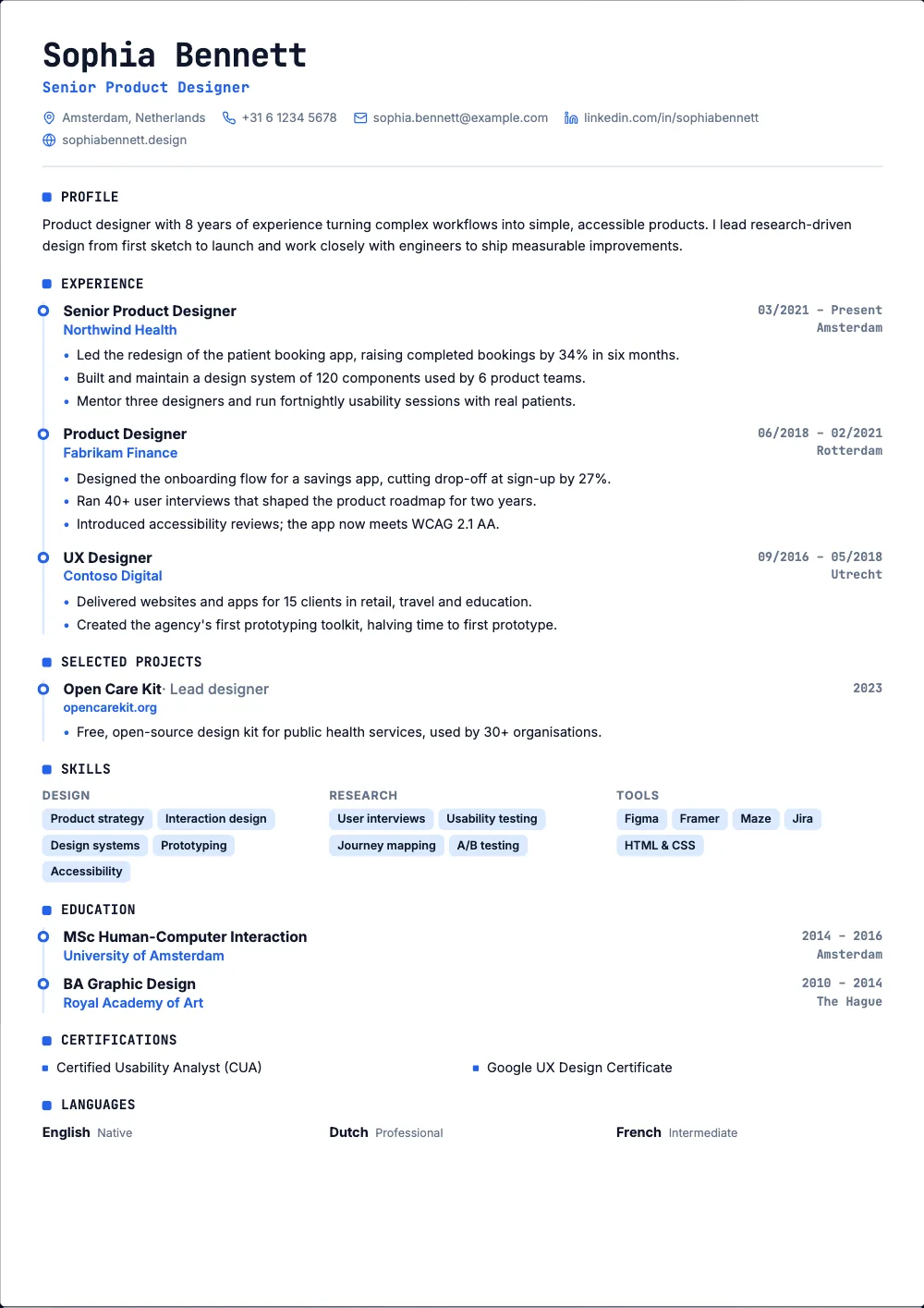 Pro
ProOne column, monospace headings and a timeline.
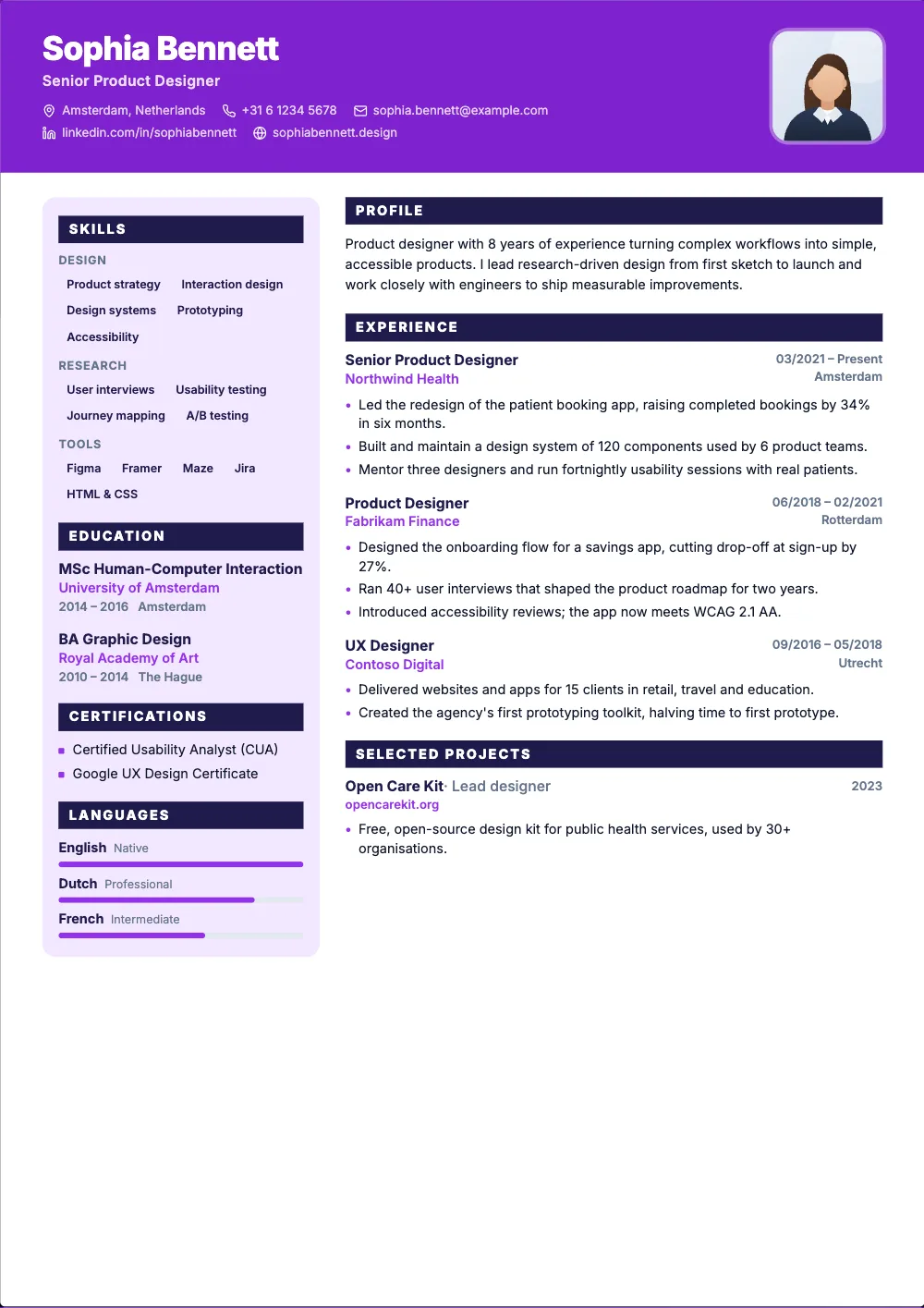 Pro
ProA colour banner, a side panel and filled section bars.
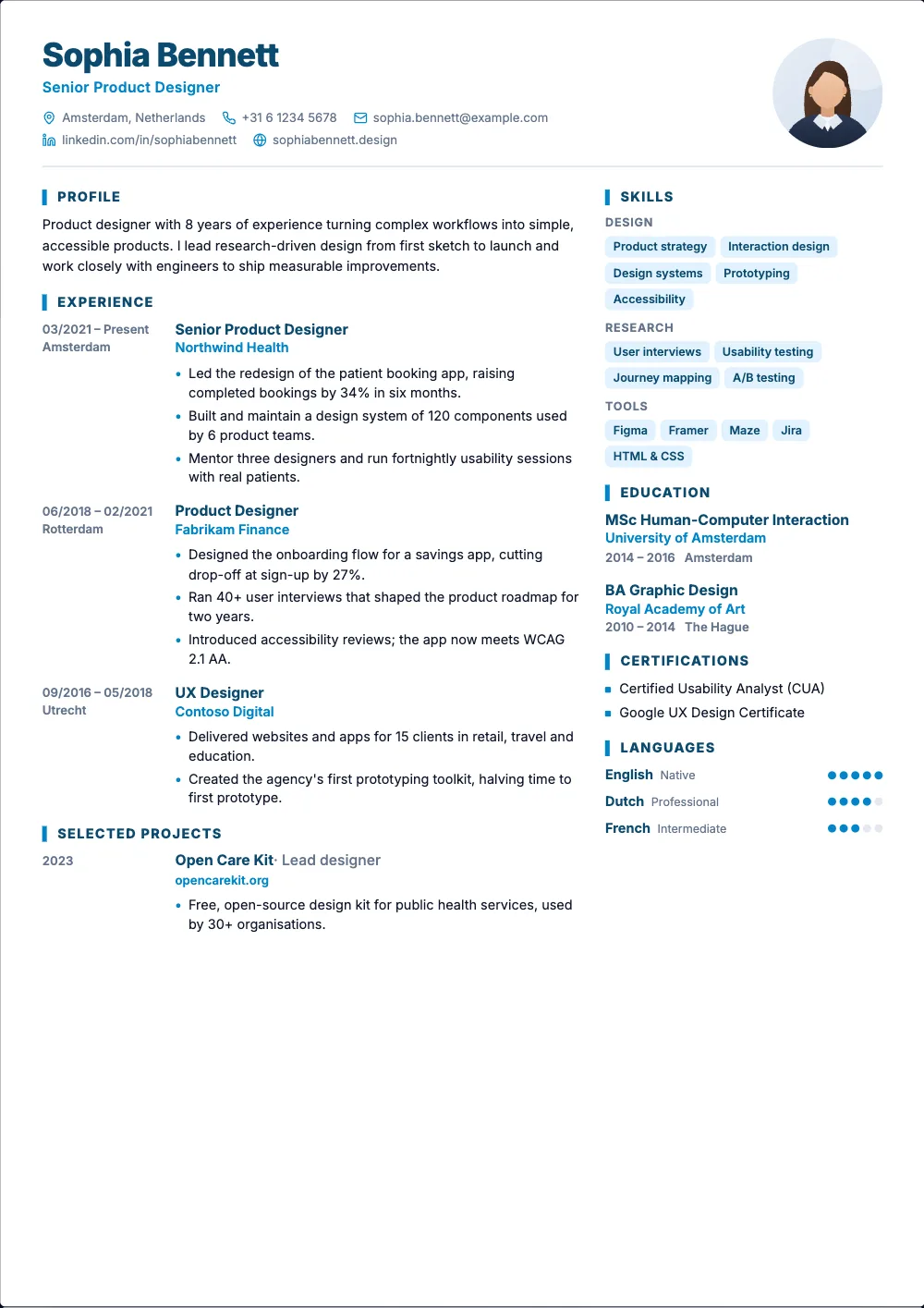 Free
FreeTwo columns, your photo, and the dates in the margin.
Design only matters if the ATS can still read your resume. Every template exports as a real text PDF, keeps a clear reading order and uses standard section names underneath the styling.
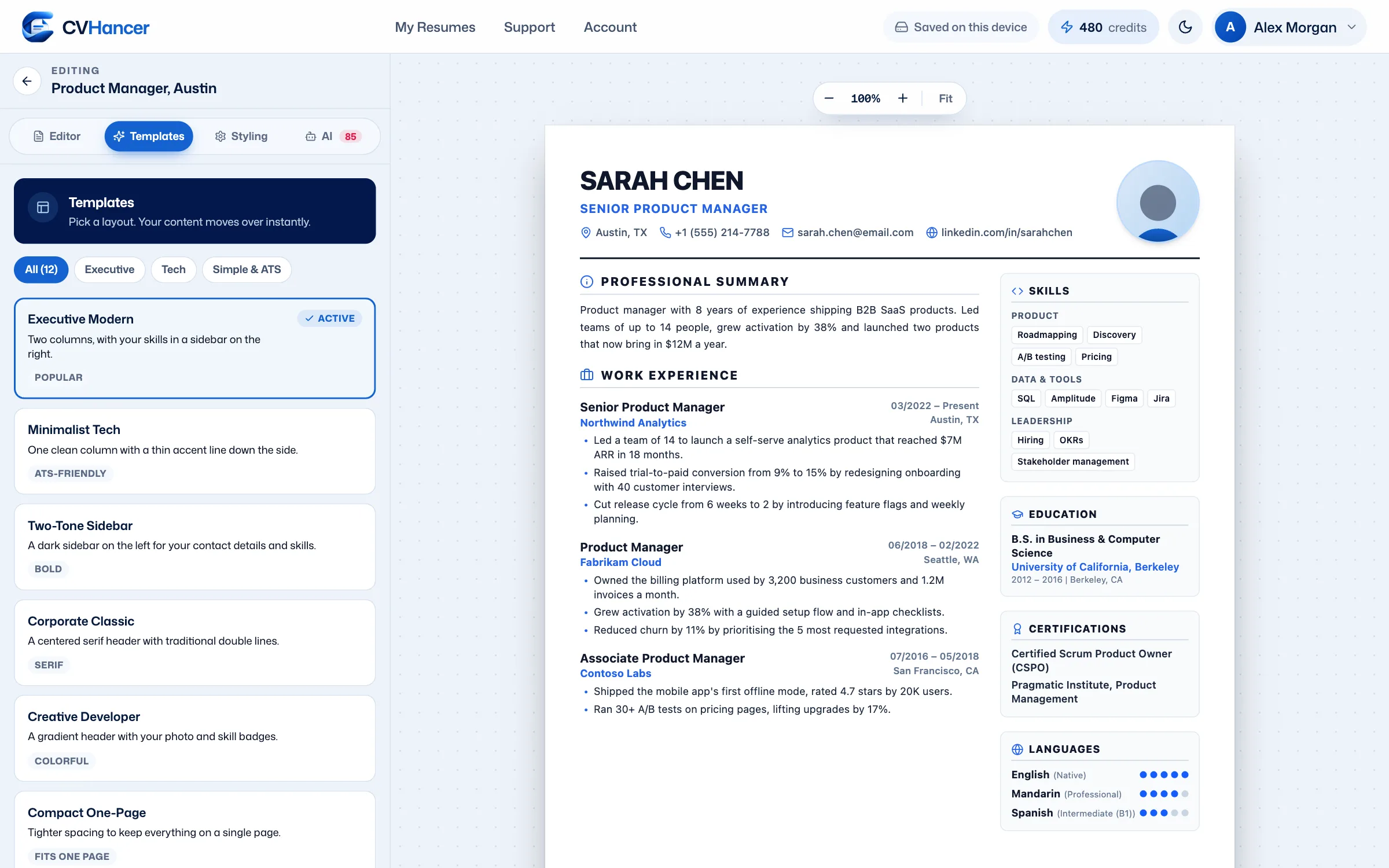
Change the look in the Styling tab. The layout keeps everything aligned for you.
Navy, teal, indigo, onyx or emerald. The color carries through headings, lines and links.
Inter, Roboto or Outfit, in small, medium or large.
Adjust margins, line height, heading style and bullet symbols.
Reorder, rename or hide sections. Right-to-left layouts are supported too.
There's no single best resume template. The right one depends on your field, your experience and where you're applying. Here's a quick guide.
Choose Minimalist Tech or Compact One-Page. Single columns are the safest for any ATS.
Executive Modern puts your experience first and your skills in a tidy sidebar.
Luxury Executive or Corporate Classic look polished and formal without clutter.
Creative Developer, DevOps Architect or Two-Tone Sidebar show a bit of personality.
Compact One-Page keeps a shorter history focused and easy to skim.
Applying abroad? Check the resume format for your country too: photos, personal details and length change a lot between countries.
Still unsure? Our team answers every message, usually within one business day.
Contact Support10 of the 45 templates are free forever, including Executive Modern, Minimalist Tech, Corporate Classic, Harbor and Clarity. Pro unlocks all 45, every one of the 13 country formats and the AI tools.
Yes. Every template exports a text-based PDF with standard section headings and a logical reading order. For the strictest application portals, a single-column template like Minimalist Tech is the safest choice.
Any time. Your content is saved separately from the design, so switching templates or colors never loses a word.
Yes, on the Pro plan. Whether you should depends on the country: photos are expected in Germany or the Gulf but best left off in the US, UK and Canada. CVHancer sets a sensible default for each country.
A PDF that looks exactly like the preview and keeps your text selectable. The free plan adds a small watermark; Pro removes it. You can also copy a plain-text version.
10 templates are free forever. Pro unlocks all 45, plus every country format and the AI tools.